10
Performing a scan to e-mail operation
10-6 IC-206
Positioning documents on the original glass
2
Note
E-mail addresses specified after the [Scan] key is pressed are set as
Scan to E-mail recipients.
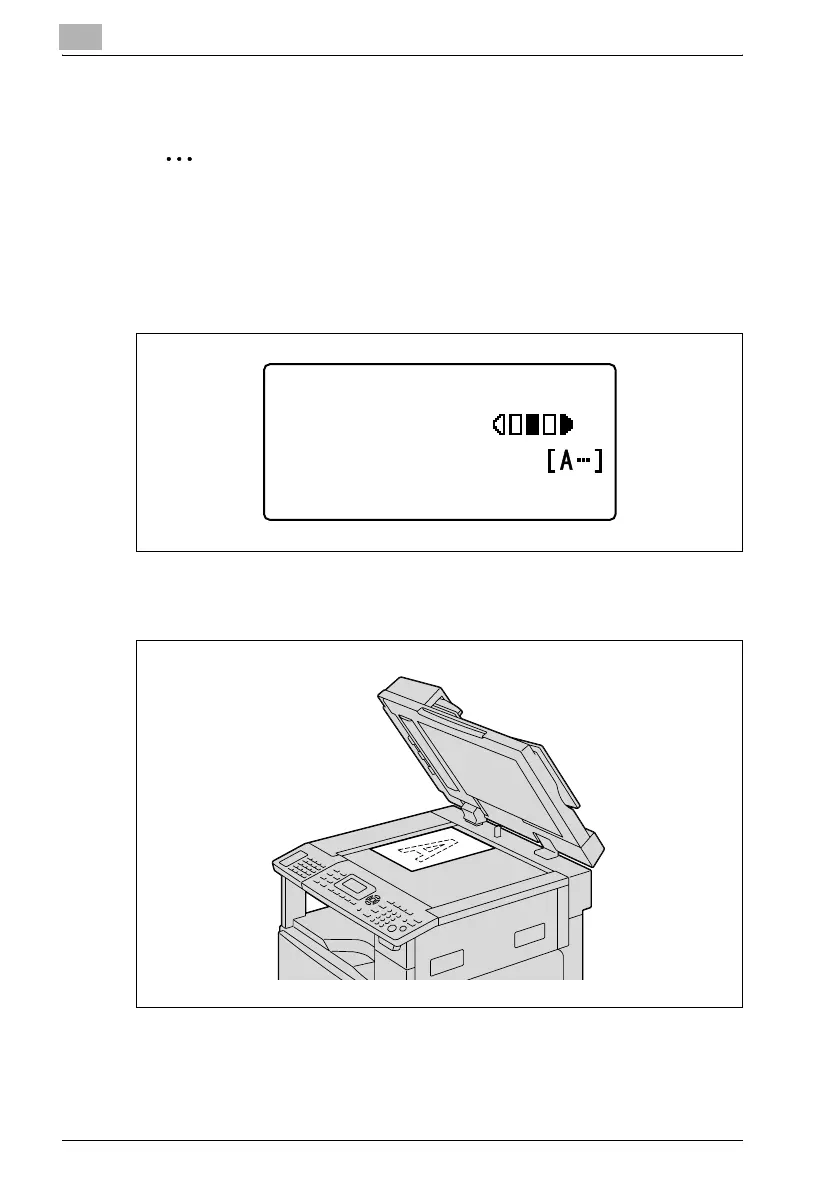
1 Press the [Scan] key.
The machine enters Scan mode, and the Scan mode screen appears.
2 Lift open the original cover, and then position the document to be sent
on the original glass.
– Load the document page with the side to be scanned face down.
– Align the document on the scales above and to the left of the
original glass.
300x300dpi TIFF 100%
SET DESTINATION
TEXT/PHOTO












 To Next Page