Performing a scan to e-mail operation
10
IC-206 10-5
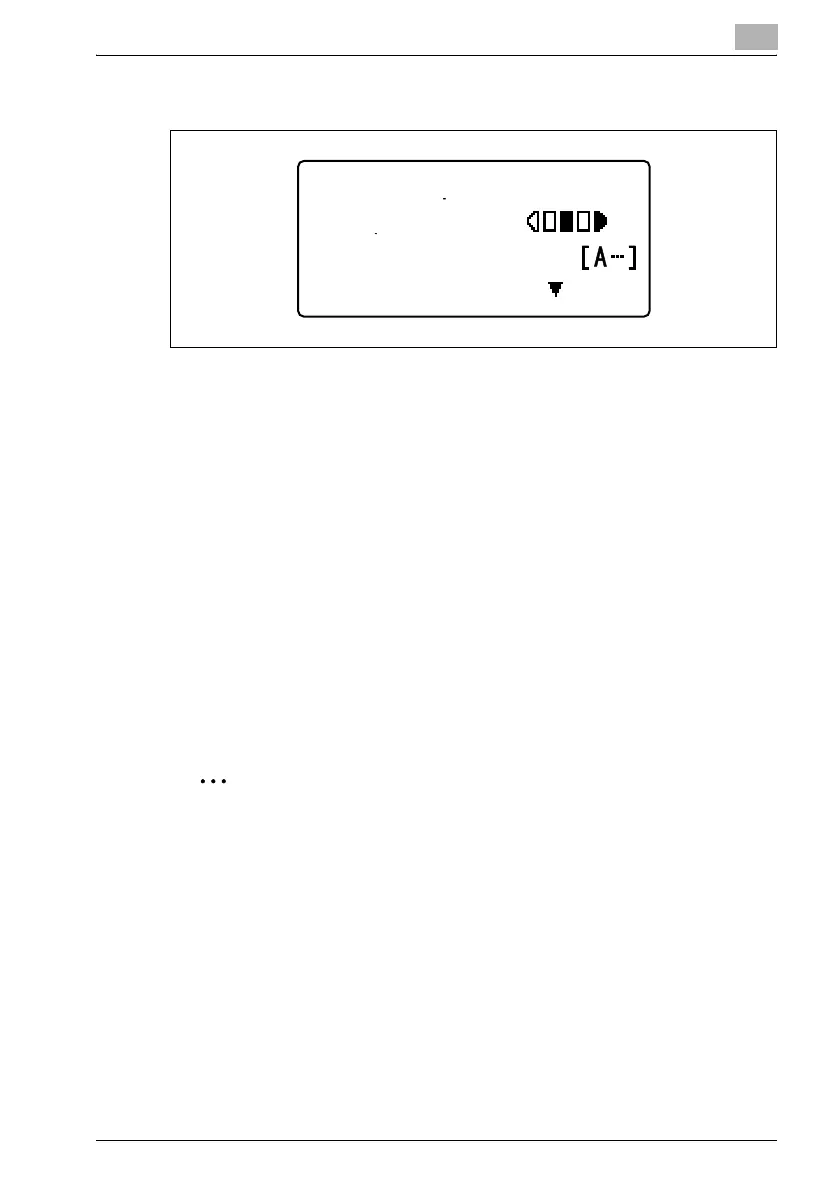
3 Using the keypad, type in the e-mail address of the recipient.
– When the destination address is entered, "OTHER SETTING=,"
appears. To change the transmission settings, such as the subject,
cc address or file format, press the [,] key. The "SCAN OTHER
SETTING" menu appears. For details on changing the transmission
settings, refer to "Changing the transmission settings" on
page 10-13.
– The destination can be specified using any of the following
procedures.
Refer to "Specifying a one-touch dial destination" on page 10-41.
(One-touch dial destinations are available only when optional fax kit
FK-506 is installed.)
Refer to "Specifying a speed dial destination" on page 10-42.
Refer to "Selecting a destination from the phone book" on
page 10-44.
4 Press the [Start] key.
Scanning and transmission begins.
2
Note
E-mail addresses specified after the [Scan] key is pressed are set as
Scan to E-mail recipients.
Up to 64 characters can be entered.
To stop scanning, press the [Clear/Stop] key.
If the transmission could not be completed correctly, a transmission
result report is printed.
To cancel a queued transmission of scan data, press the [Function] key,
and then select "CANCEL RESERV.". For details, refer to the user manual
for fax kit FK-506.
300x300dpi TIFF 100%
TO:user@test.loc
TEXT/PHOTO
OTHER SETTING=












 To Next Page