Control panel operations for printing functions
6
IC-206 6-7
Using the manual bypass tray
Follow the procedure described below when using the manual bypass tray
to print one page at a time.
1 From the computer, display the Setup tab for the printer driver, and
then select "Bypass" in the "Paper Source" list (page 5-23).
2 Perform the print operation from the computer.
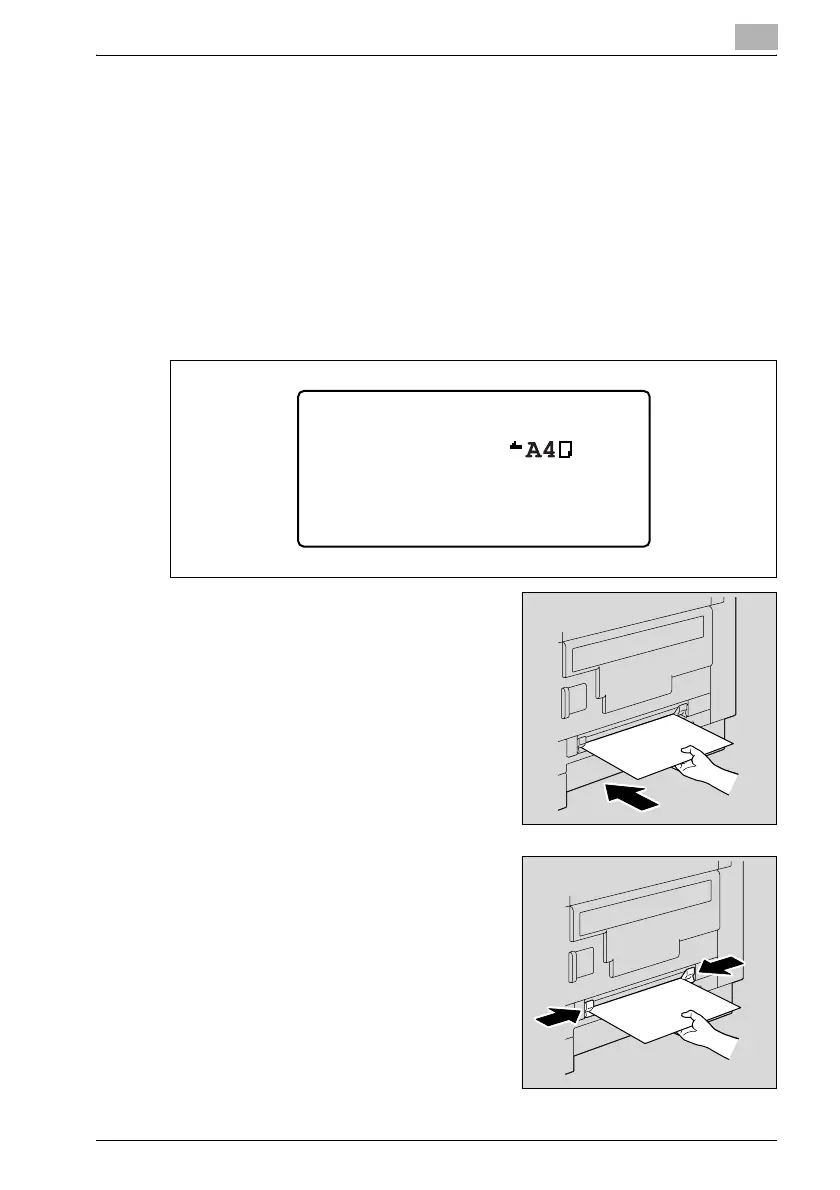
3 When the message "PRINTER MODE LOAD PAPER" appears, load
paper into the manual bypass tray.
– Insert one sheet of paper with the
front side facing down, lightly
sliding the paper as much as
possible into the feed slot.
– Slide the paper guides to fit the
size of paper being loaded.
PRINTER MODE
User01
LOAD PAPER( )












 To Next Page