8
Network settings
8-48 IC-206
Specifying the LDAP port number
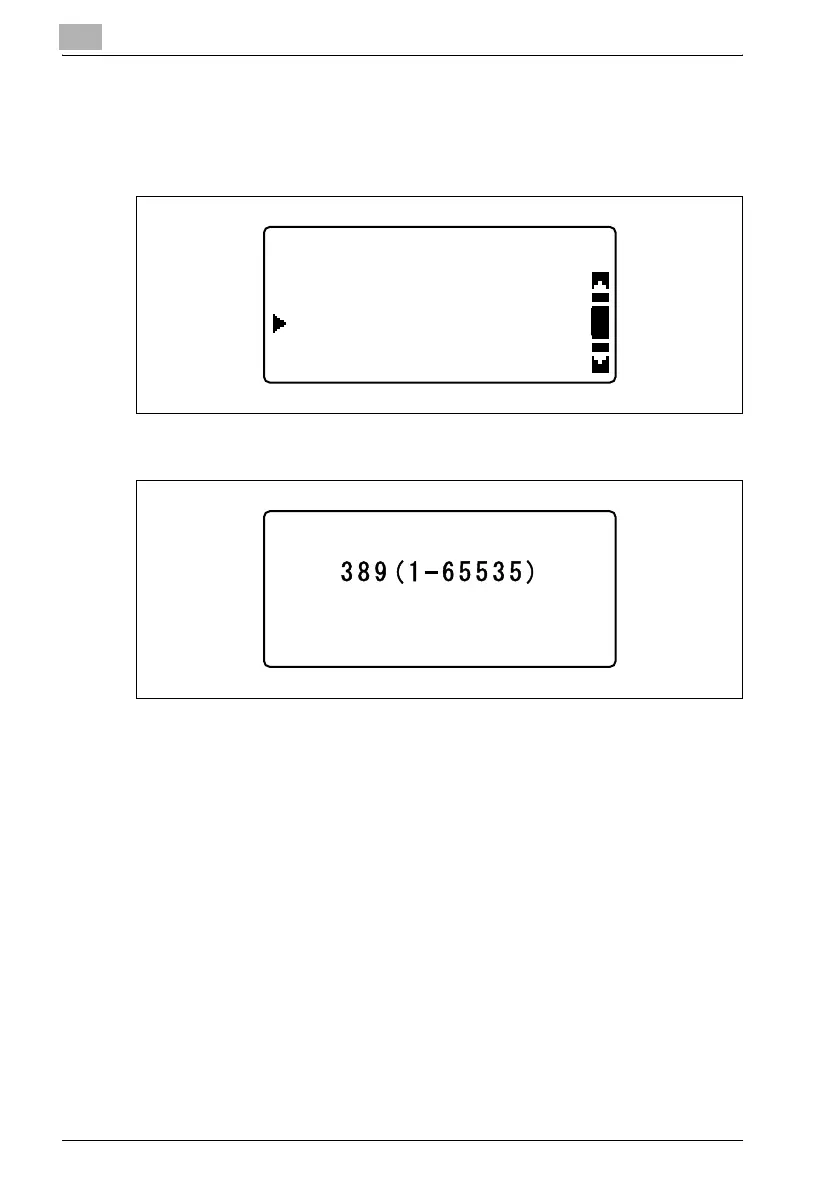
1 In the "LDAP SETTING" menu, press the [+] or [,] key until "LDAP
PORT NO." is selected, and then press the [OK] key.
2 Type in the port number.
– A port number between 1 and 65535 can be specified. Normally,
port number 389 is used. If SSL is enabled, use port number 636.
3 Press the [OK] key.
After the message "ACCEPTED" appears, the "LDAP SETTING" menu
appears again.
LDAP SETTING
LDAP PORT NO.
LDAP SERVER ADDR.
SSL SETTING
LDAP PORT NO.












 To Next Page