3
Installing the printer driver
3-8 IC-206
3.4 Installing the printer driver by using Plug and Play
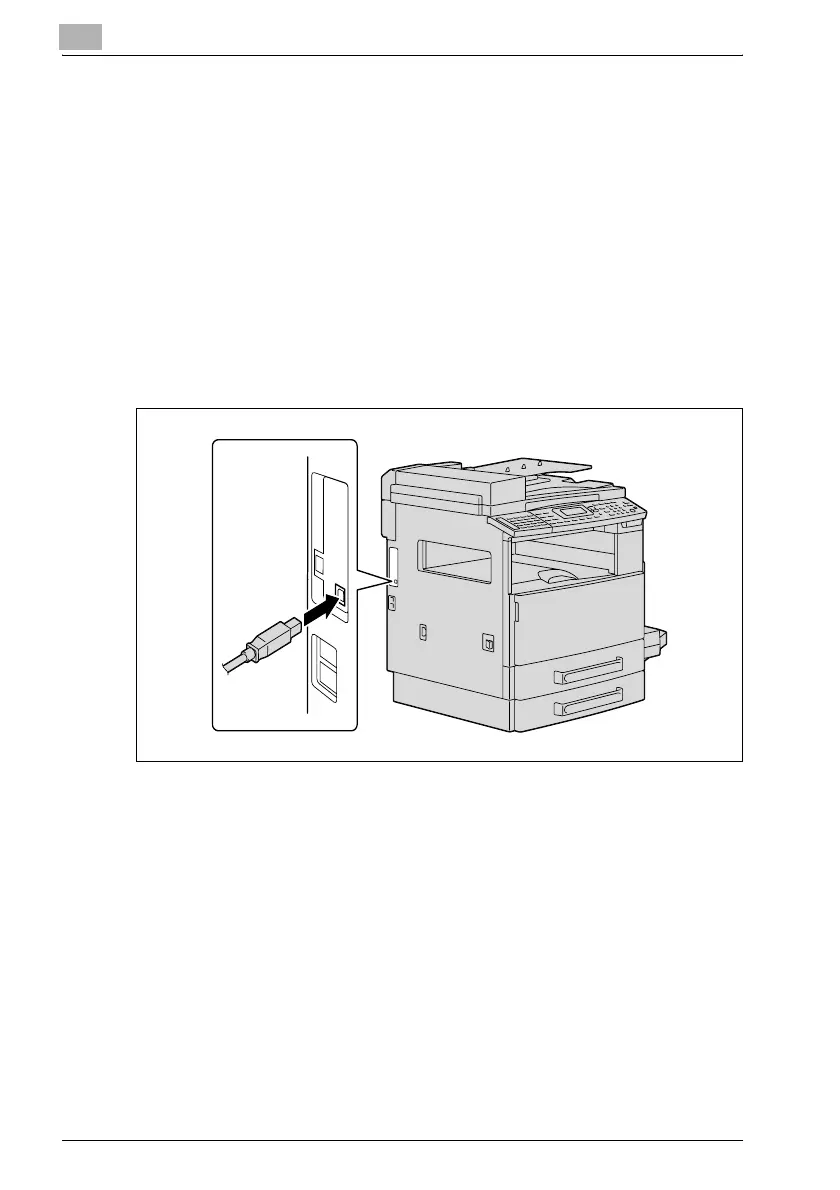
Connecting to the computer’s USB port
When this machine is connected to a computer with a USB cable, Plug and
Play detects the device, and then installation of the necessary drivers begins.
1 Start Windows, and then insert the CD-ROM/DVD into the computer’s
CD-ROM drive.
2 Turn on this machine.
3 After this machine starts up and is ready for copying, connect it to the
computer with the USB cable.
This machine is detected, and the Found New Hardware Wizard (Add New
Hardware Wizard on Windows Me/98 SE) appears.











 To Next Page