Network printing
4
IC-206 4-13
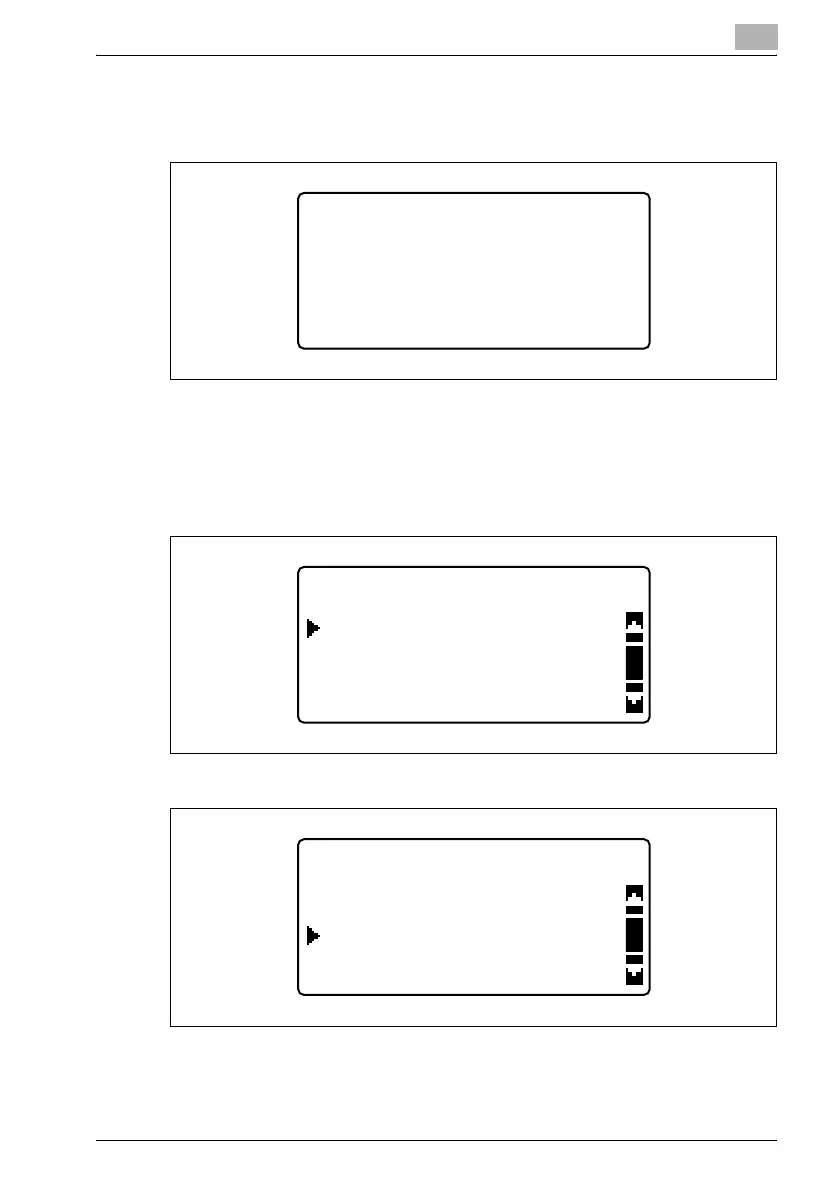
3 Type in the administrator access code, and then press the [OK] key.
– The manufacturer’s default setting is "000000".
– If the code was incorrectly entered, press the [Clear/Stop] key to
erase the number, and then type it in correctly.
4 Press the [,] or [+] key until "NETWORK SETTING" is selected, and
then press the [OK] key.
– If fax kit FK-506 is installed
ADMIN. MANAGEMENT
ADMIN. NO.:------
ADMIN. MANAGEMENT
E-MAIL SETTING 1
NETWORK SETTING
E-MAIL SETTING 2
ADMIN. MANAGEMENT
NETWORK SETTING
REMOTE MONITOR
E-MAIL SETTING 1












 To Next Page