Network settings
8
IC-206 8-13
Specifying the IP address, subnet mask and default gateway
The settings for the IP address to the gateway are specified in a continuous
operation.
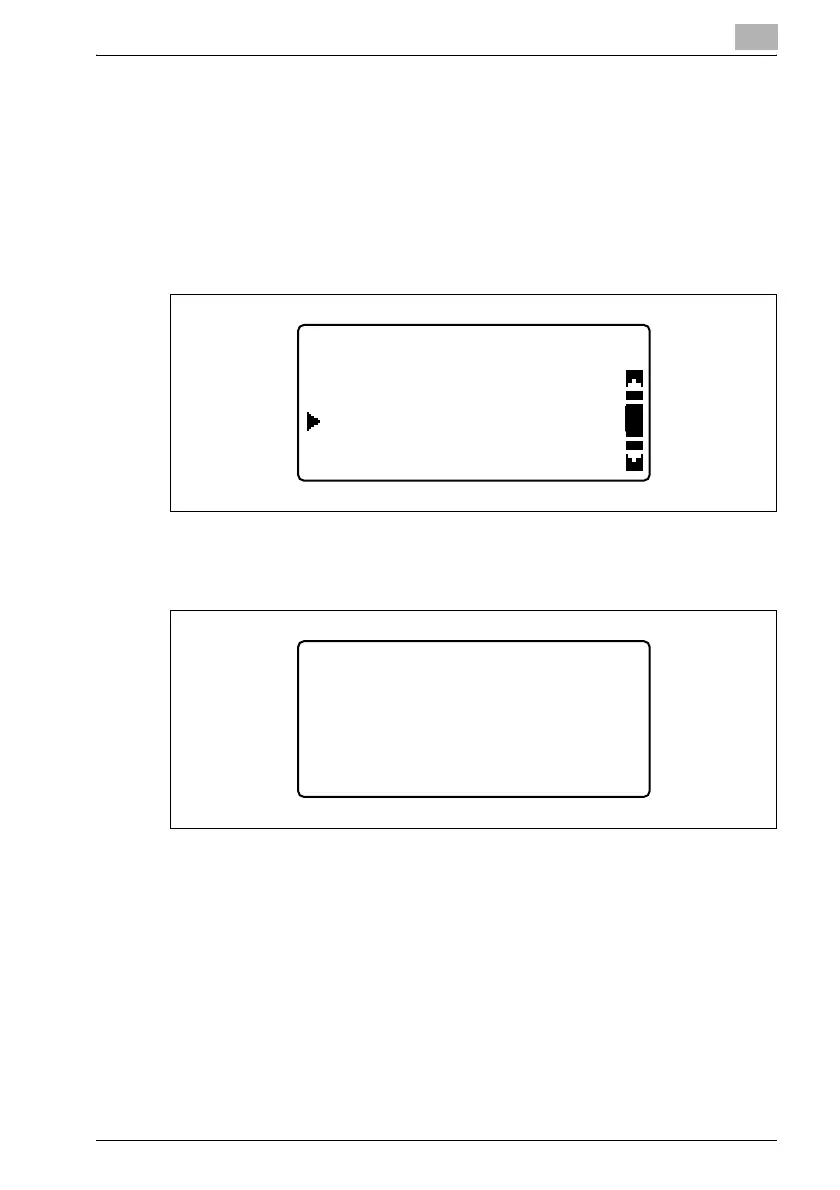
1 Press the [Utility] key in the control panel.
2 Press the [,] or [+] key until "ADMIN. MANAGEMENT" is selected, and
then press the [OK] key.
3 Type in the administrator access code, and then press the [OK] key.
– The manufacturer’s default setting is "000000".
– If the number was incorrectly entered, press the [Clear/Stop] key to
erase the number, and then type it in correctly.
UTILITY MODE
ADMIN. MANAGEMENT
USER MANAGEMENT
COPY SETTING 1
ADMIN. MANAGEMENT
ADMIN. NO.:------











 To Next Page