Using PageScope Web Connection
12
IC-206 12-83
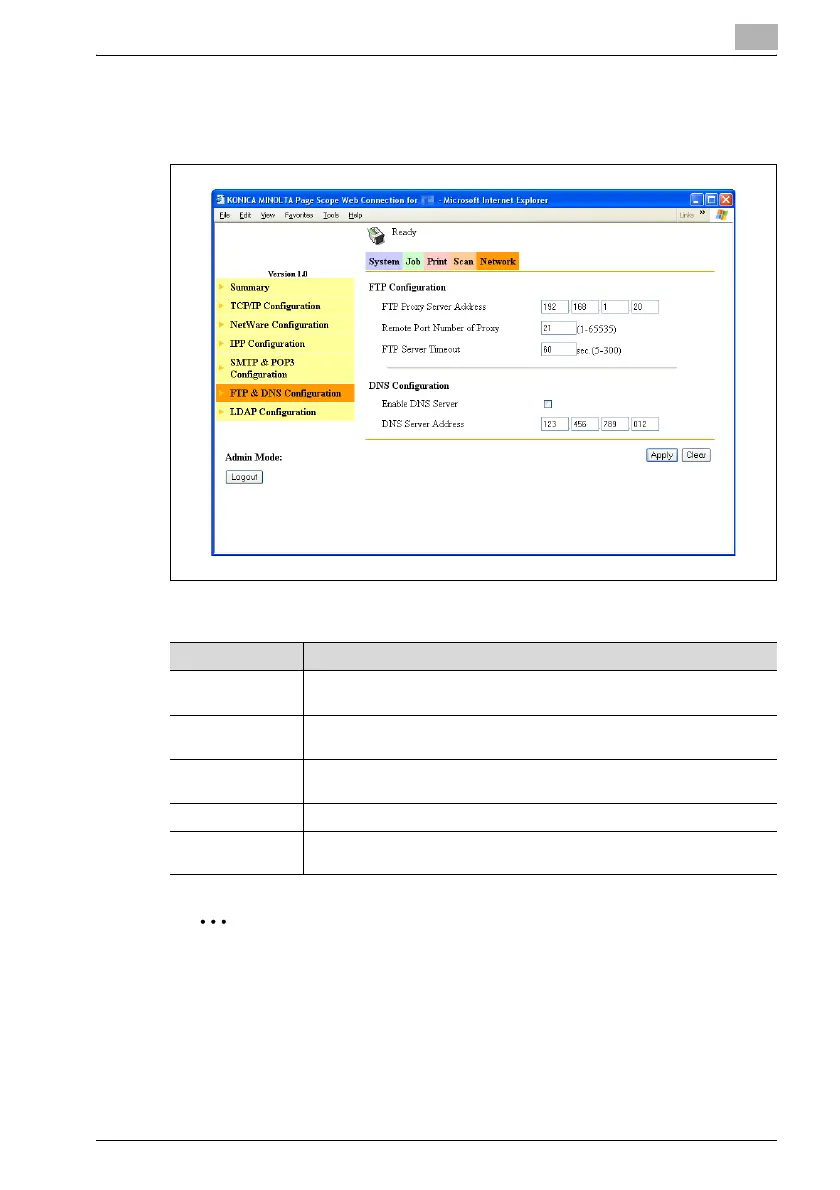
Network tab — FTP & DNS Configuration
Specify the FTP proxy server information and the DNS information.
% To change the settings, specify the various settings, and then click the
[Apply] button.
2
Reminder
To change the settings on the Network tab, click the [Apply] button, and
then, after "Updated Successful" appears, click the [Reset] button on the
page that appears after clicking "NIC and Printer Controller Reset" in the
Item Description
FTP Proxy Server
Address
Specify the IP address of the proxy server when the FTP server is ac-
cessed using a proxy server.
Remote Port
Number of Proxy
Specify the port number (between 1 and 65535) of the proxy server.
FTP Server Time-
out
Specify the amount of time (between 5 and 300 seconds) until the connec-
tion with the FTP server times out.
Enable DNS Server Select this check box if DNS is used.
DNS Server Ad-
dress
Specify the IP address of the DNS server when the "Enable DNS Server"
check box above is selected.












 To Next Page