Performing a scan to e-mail operation
10
IC-206 10-33
10.5 Specifying the default scanning settings
The default settings for the resolution, data format and compression
encoding method during scanning and transmission with Scan to E-mail and
Scan to Server (FTP) operations can be changed.
Selecting the resolution
1 Press the [Utility] key.
2 Press the [,] or [+] key until "SCAN SETTING" is selected, and then
press the [OK] key.
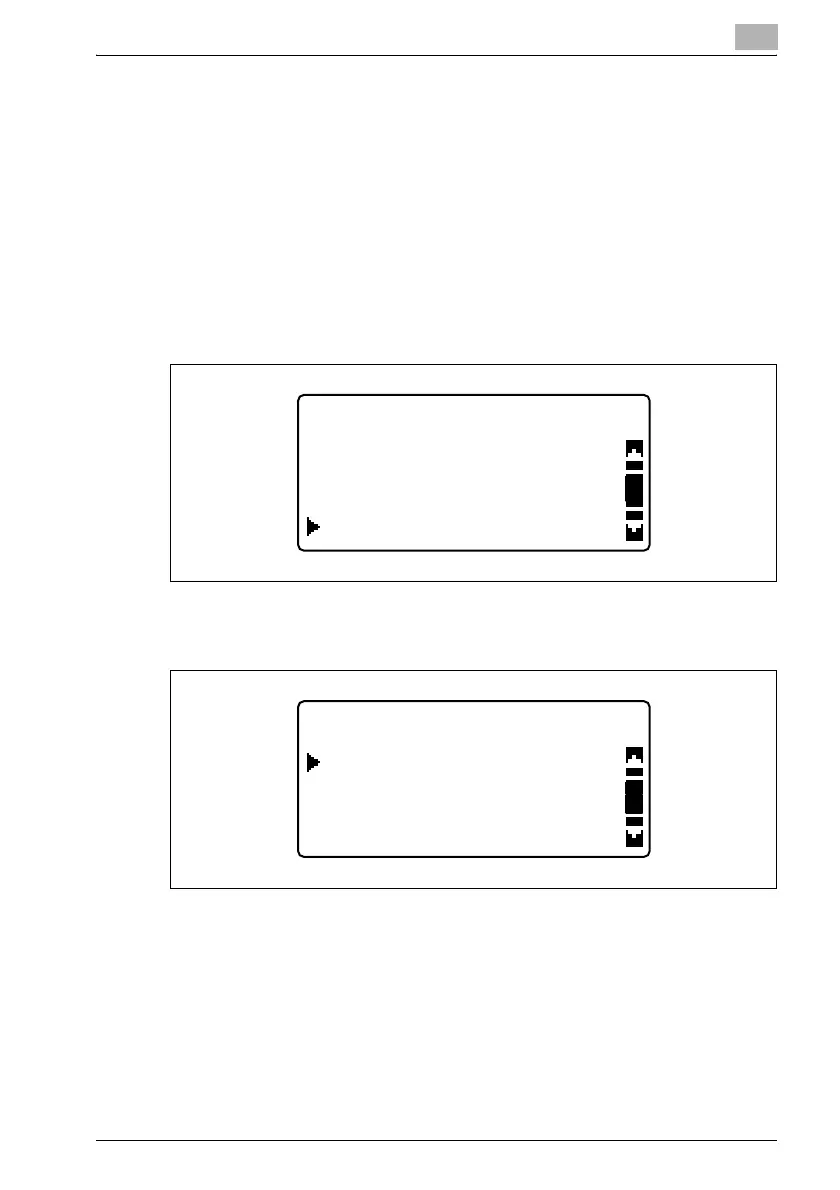
3 Press the [,] or [+] key until "RESOLUTION" is selected, and then
press the [OK] key.
UTILITY MODE
DIAL REGISTRATION
COPY SETTING 2
SCAN SETTING
SCAN SETTING
IMAGE FORMAT
RESOLUTION
CODING METHOD











 To Next Page