8
Network settings
8-20 IC-206
Specifying the gateway transmission setting
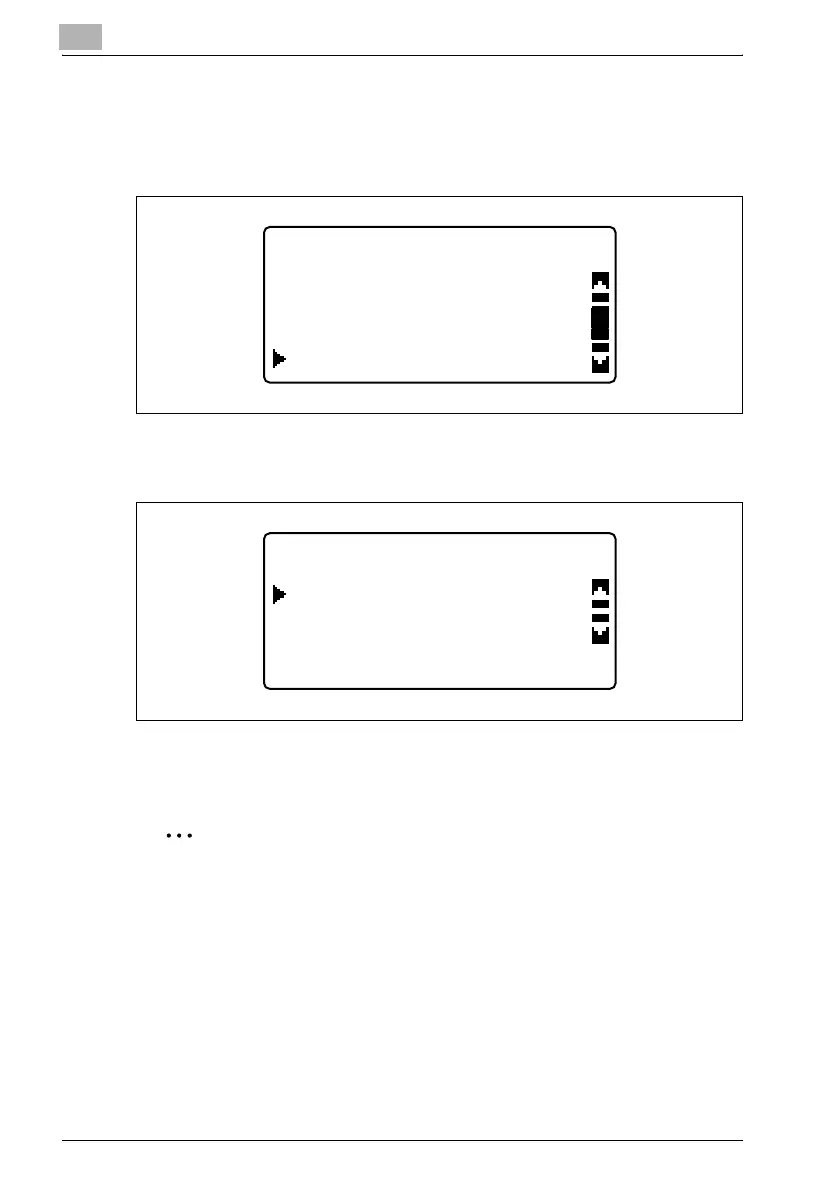
1 In the "NETWORK SETTING" menu, press the [,] or [+] key until
"GATEWAY TX" is selected, and then press the [OK] key.
2 Press the [,] or [+] key until "DISABLE" or "ENABLE" is selected, and
then press the [OK] key.
– Whether "DISABLE" or "ENABLE" is selected, the message
"ACCEPTED" appears, and then the "NETWORK SETTING" menu
appears again.
2
Note
The setting for gateway transmissions appears when optional fax kit
FK-506 is installed.
NETWORK SETTING
DNS CONFIG.
IP ADDRESS SETTING
GATEWAY TXGATEWAY TX
GATEWAY TX
ENABLE
DISABLE












 To Next Page