12
Using PageScope Web Connection
12-44 IC-206
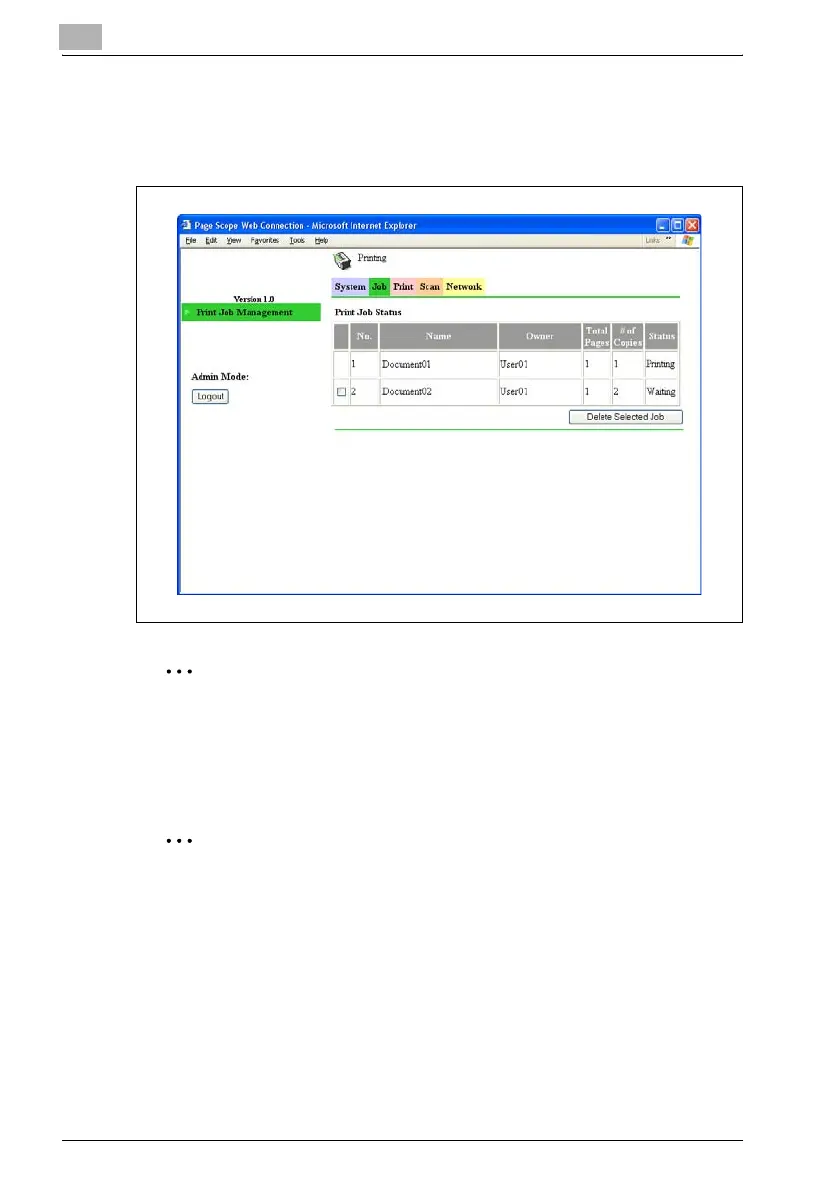
Job tab — Print Job Management
Detailed information of the print jobs can be displayed, and jobs can be
deleted.
2
Reminder
A maximum of 20 print jobs can be displayed, and jobs that have been
printed will automatically be deleted.
Jobs specified as secure print jobs are not displayed.
2
Note
The number assigned to the job when it was queued in the machine
appears as the job number.
Deleting jobs
1 Select the print job that you wish to delete.
2 Click the [Delete Selected Job] button.
The selected job is deleted.












 To Next Page