Network settings
8
IC-206 8-49
Selecting the SSL setting
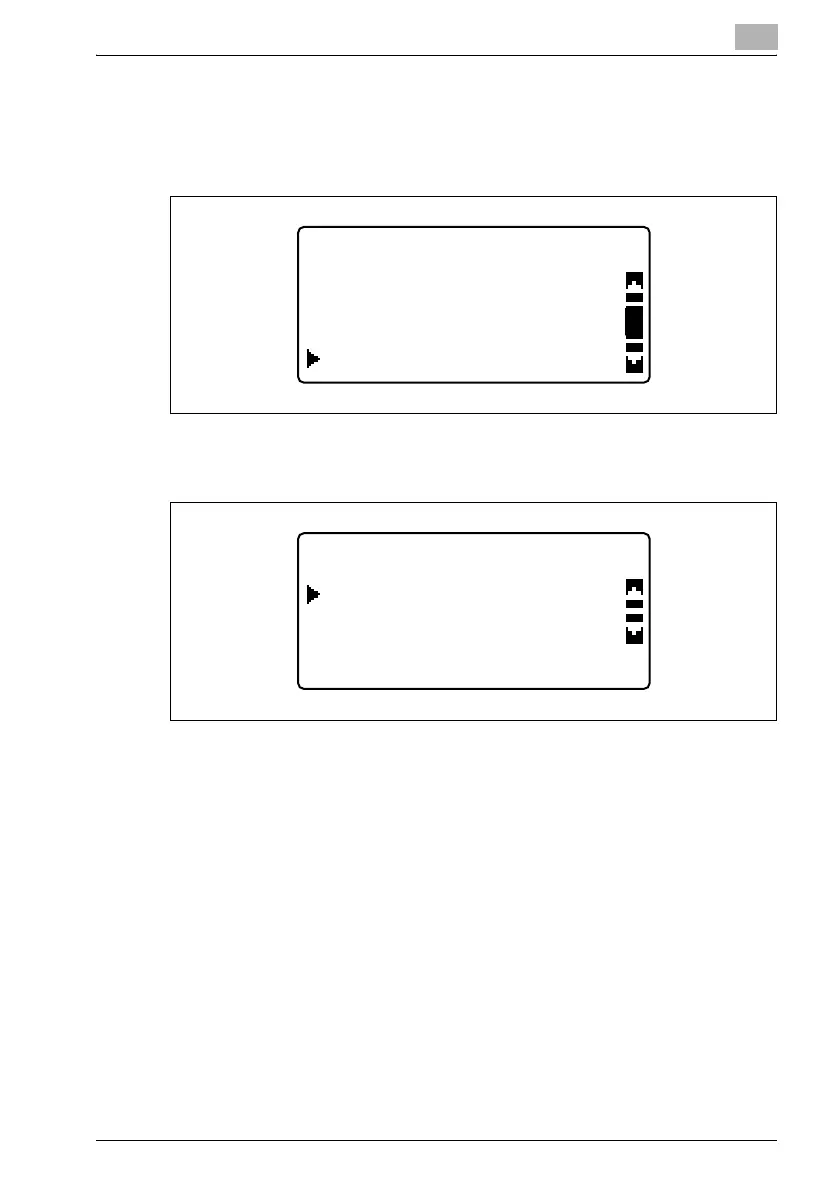
1 In the "LDAP SETTING" menu, press the [+] or [,] key until "SSL
SETTING" is selected, and then press the [OK] key.
2 Press the [,] or [+] key until "DISABLE" or "ENABLE" is selected, and
then press the [OK] key.
Whether "DISABLE" or "ENABLE" is selected, the message
"ACCEPTED" appears, and then the "LDAP SETTING" menu appears
again.
LDAP SETTING
LDAP PORT NO.
LDAP SERVER ADDR.
SSL SETTING
SSL SETTING
ENABLE
DISABLE












 To Next Page