10
Performing a scan to e-mail operation
10-4 IC-206
Using the automatic document feeder
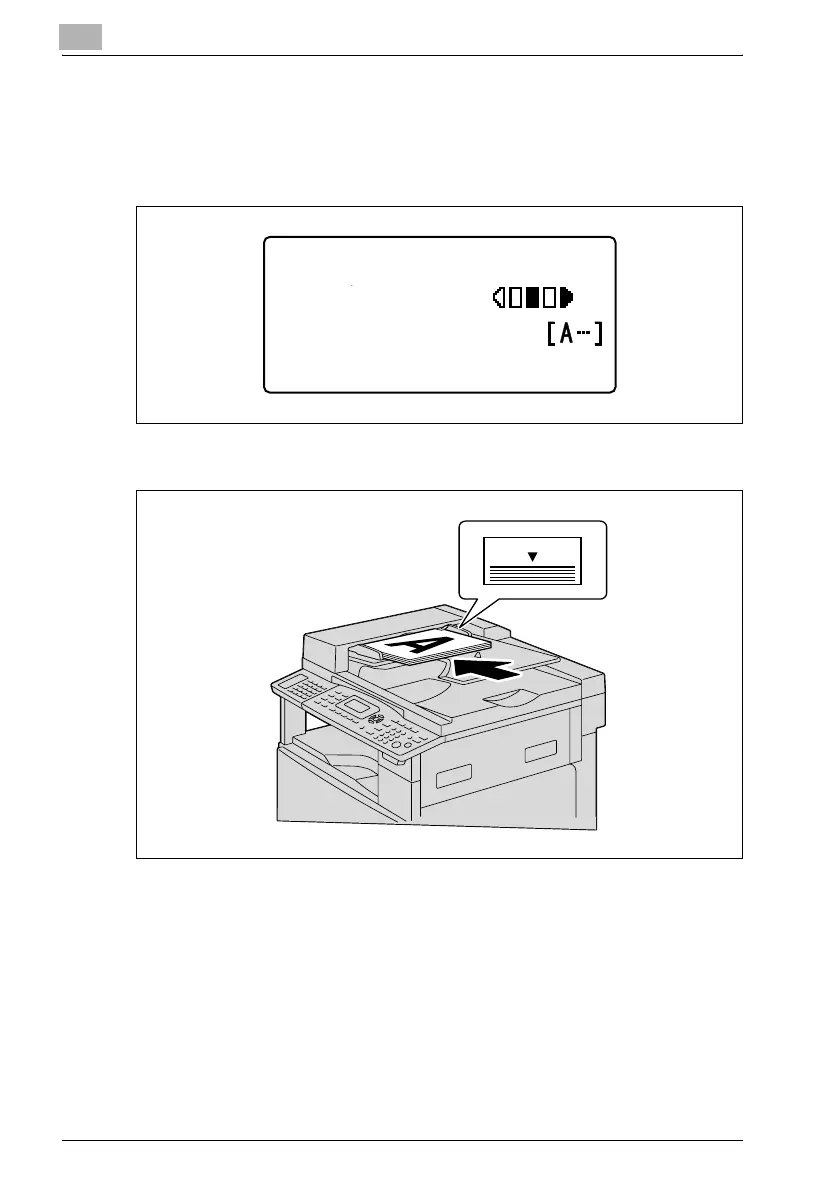
1 Press the [Scan] key.
The machine enters Scan mode, and the Scan mode screen appears.
2 Load the document to be sent into the document feeder.
– Adjust the document guides to fit the size of the document.
– Load the document pages with the side to be scanned face up.
– For information on documents that can be used and the scanning
area of the image, refer to the user manual included with this
machine.
300x300dpi TIFF 100%
SET DESTINATION
TEXT/PHOTO












 To Next Page