10
Performing a scan to e-mail operation
10-22 IC-206
Selecting the compression encoding method
1 Press the [Scan] key.
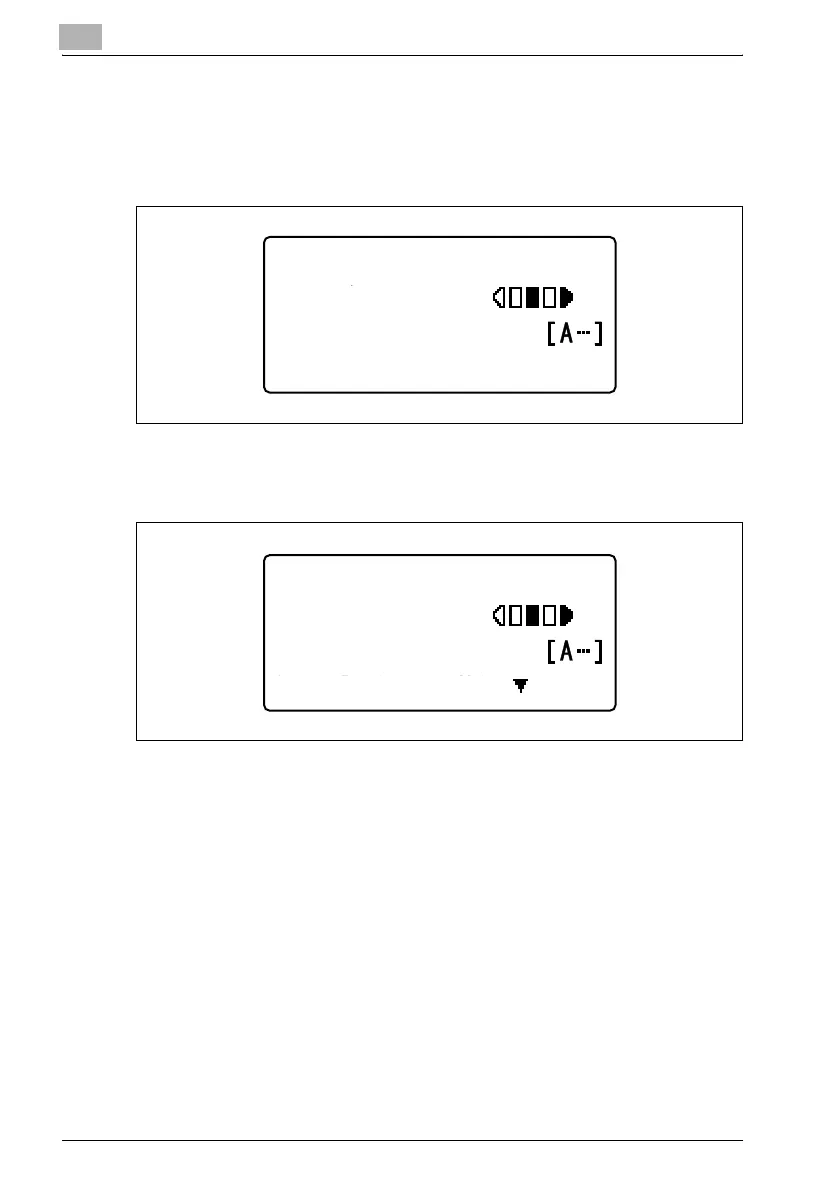
The machine enters Scan mode, and the Scan mode screen appears.
2 Position the document, and then specify the recipient.
"OTHER SETTING=," appears.
3 Press the [,] key.
The "SCAN OTHER SETTING" menu appears.
300x300dpi TIFF 100%
SET DESTINATION
TEXT/PHOTO
300x300dpi TIFF 100%
TO:user@test.loc
TEXT/PHOTO
OTHER SETTING=












 To Next Page