Network settings
8
IC-206 8-21
Specifying the WEB setting
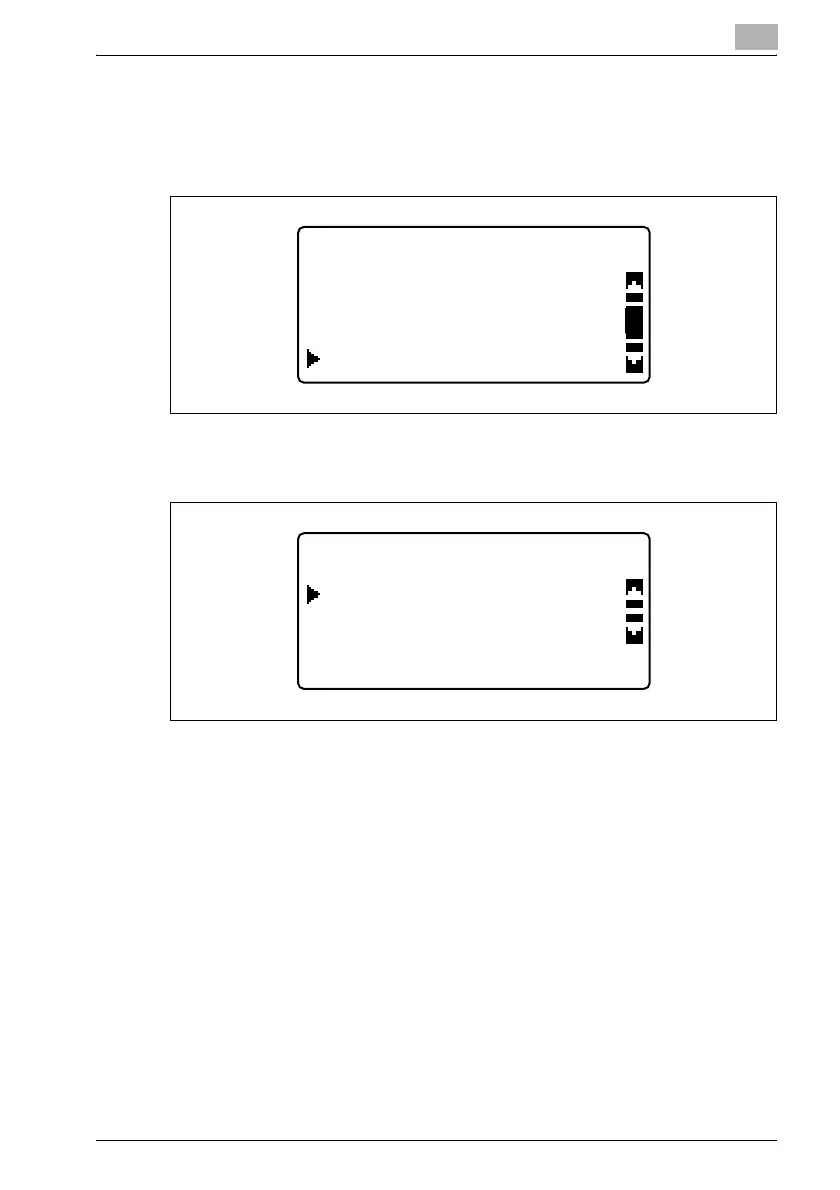
1 In the "NETWORK SETTING" menu, press the [,] or [+] key until "WEB
SETTING" is selected, and then press the [OK] key.
2 Press the [,] or [+] key until "DISABLE" or "ENABLE" is selected, and
then press the [OK] key.
– Whether "DISABLE" or "ENABLE" is selected, the message
"ACCEPTED" appears, and then the "NETWORK SETTING" menu
appears again.
NETWORK SETTING
DNS CONFIG.
IP ADDRESS SETTING
WEB SETTING
WEB SETTING
ENABLE
DISABLE












 To Next Page