Network printing
4
IC-206 4-15
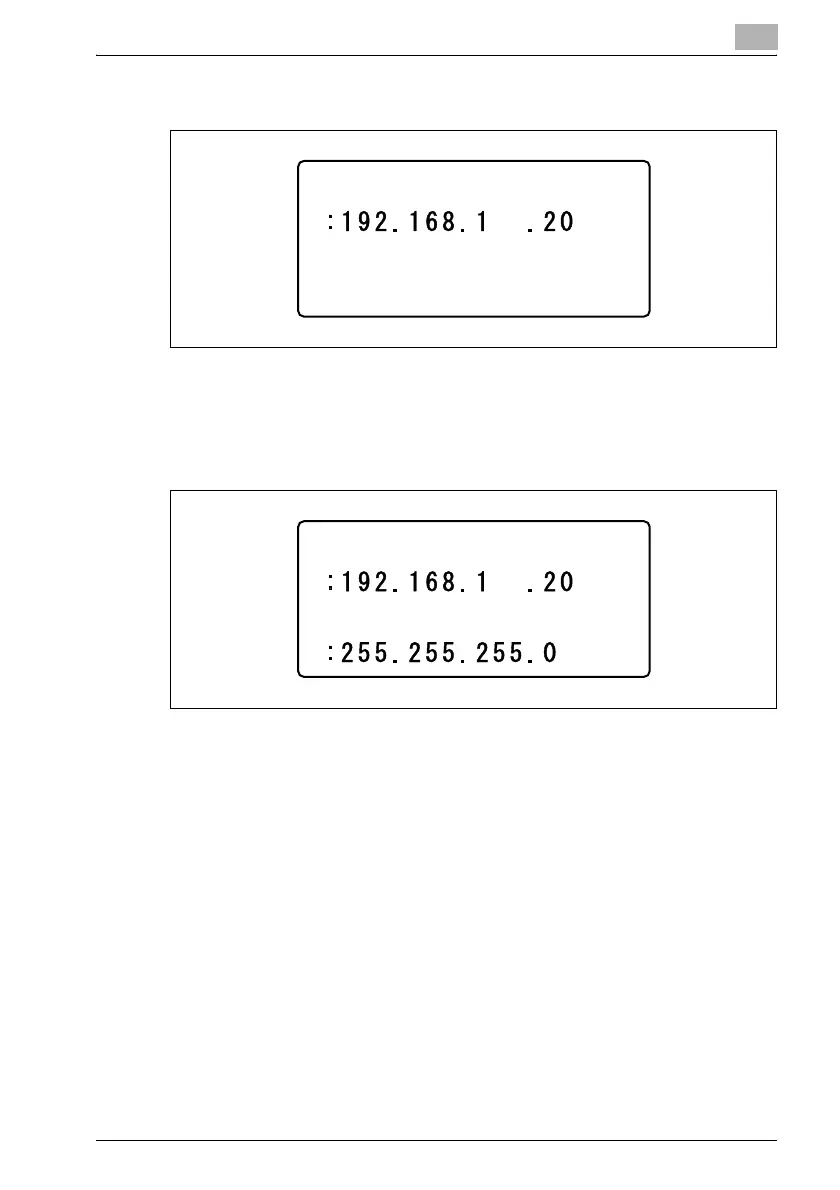
7 Use the keypad to type in the IP address, and then press the [OK] key.
– If the number was incorrectly entered, press the [Clear/Stop] key to
erase it, and then type it in correctly.
8 Use the keypad to type in the subnet mask value, and then press the
[OK] key.
– For the subnet mask, consult with the network administrator.
– If the value was incorrectly entered, press the [Clear/Stop] key to
erase it, and then type it in correctly.
IP ADDRESS
IP ADDRESS
SUBNET MASK












 To Next Page