10
Performing a scan to e-mail operation
10-24 IC-206
10.3 Changing the scanning quality settings
From the "QUALITY" menu (which contains "RESOLUTION" and
"ORIGINAL"), the scanning quality (resolution and document quality) settings
can be changed. If the settings are not changed, the scan data is sent with
the scan settings displayed when the [Scan] key is pressed.
Selecting the resolution
1 Press the [Scan] key.
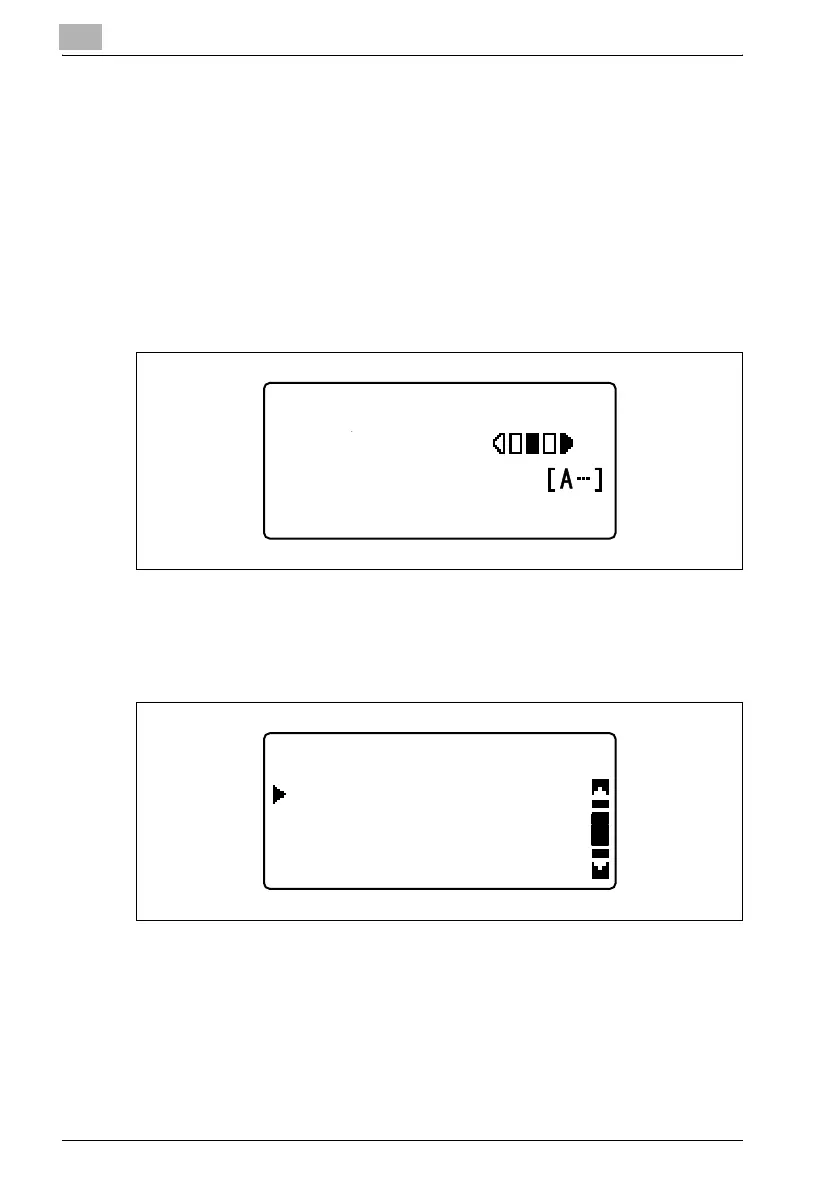
The machine enters Scan mode, and the Scan mode screen appears.
2 Press the [Quality] key.
3 Press the [,] or [+] key until "RESOLUTION" is selected, and then
press the [OK] key.
300x300dpi TIFF 100%
SET DESTINATION
TEXT/PHOTO
QUALITY
ORIGINAL
RESOLUTION
RETURN











 To Next Page