8
Network settings
8-40 IC-206
Specifying the POP3 port number
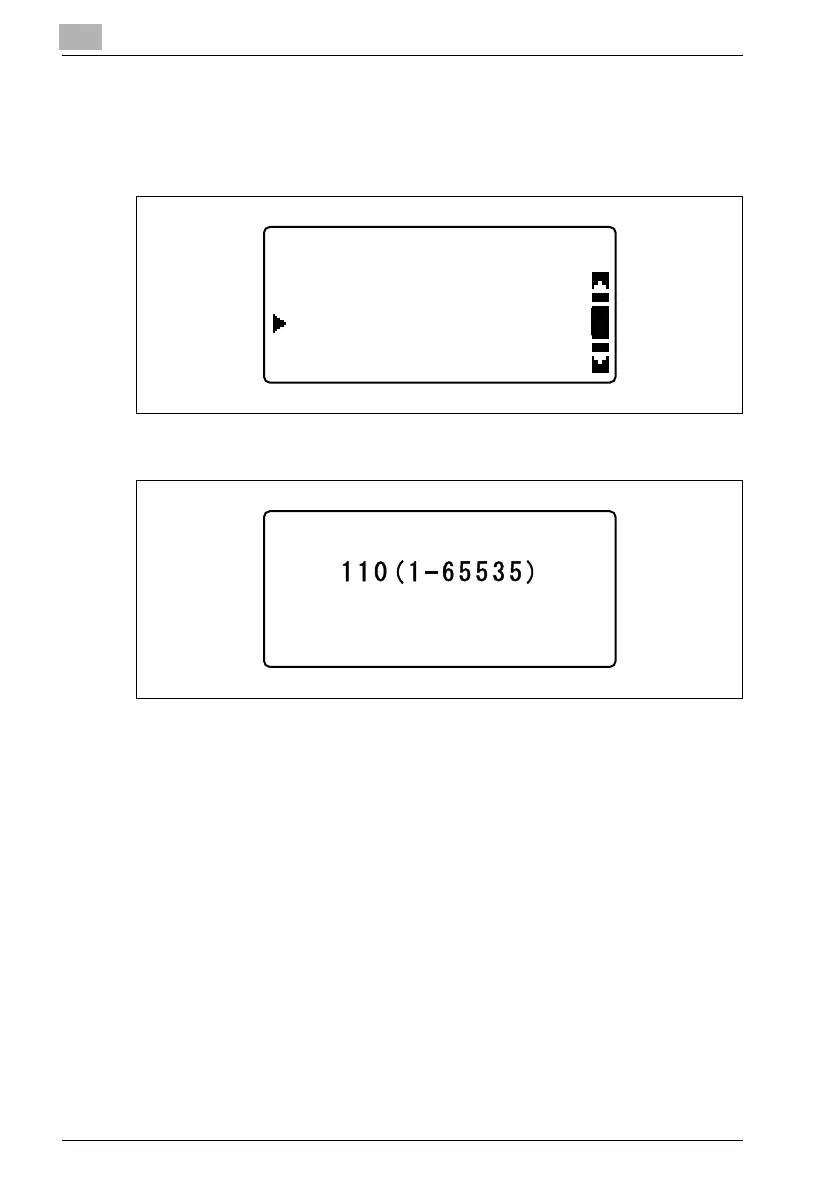
1 In the "E-MAIL SETTING 2" menu, press the [,] or [+] key until "POP3
PORT NO." is selected, and then press the [OK] key.
2 Type in the port number of the POP3 server.
– A port number between 1 and 65535 can be specified. Normally,
port number 110 is used.
3 Press the [OK] key.
After the message "ACCEPTED" appears, the "E-MAIL SETTING 2"
menu appears again.
E-MAIL SETTING 2
POP3 PORT NO.
POP3 SERVER ADDR.
POP3 TIMEOUT
POP3 PORT NO.












 To Next Page