Network settings
8
IC-206 8-39
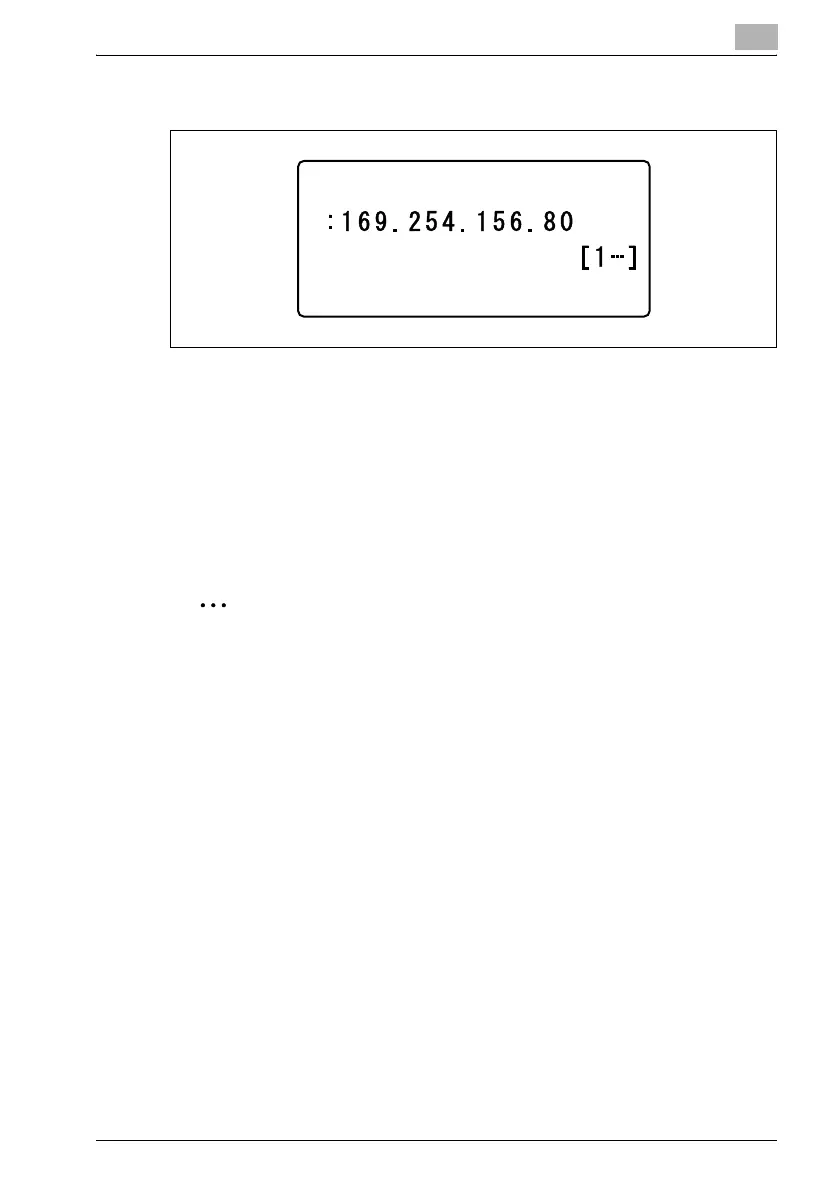
6 Type in the IP address or host name for the POP3 server.
– The host name can contain a maximum of 64 characters.
– To specify a host name for the POP3 server, the DNS setting must
be specified.
– For the IP address or host name of the POP3 server, consult with
the network administrator.
7 Press the [OK] key.
After the message "ACCEPTED" appears, the "E-MAIL SETTING 2"
menu appears again.
2
Note
If a number was incorrectly entered, press the [Clear/Stop] key to erase
the number, and then type it in correctly.
POP3 SERVER ADDR.












 To Next Page