10
Performing a scan to e-mail operation
10-28 IC-206
10.4 Changing the document scanning density
From the DENSITY screen, the scanning density for the document can be
changed.
When "TEXT/PHOTO" or "TEXT" was selected
When "TEXT/PHOTO" or "TEXT" is selected, the density can be specified as
described below.
1 Press the [Scan] key.
The machine enters Scan mode, and the Scan mode screen appears.
2 Press the [Density] key. The DENSITY screen appears.
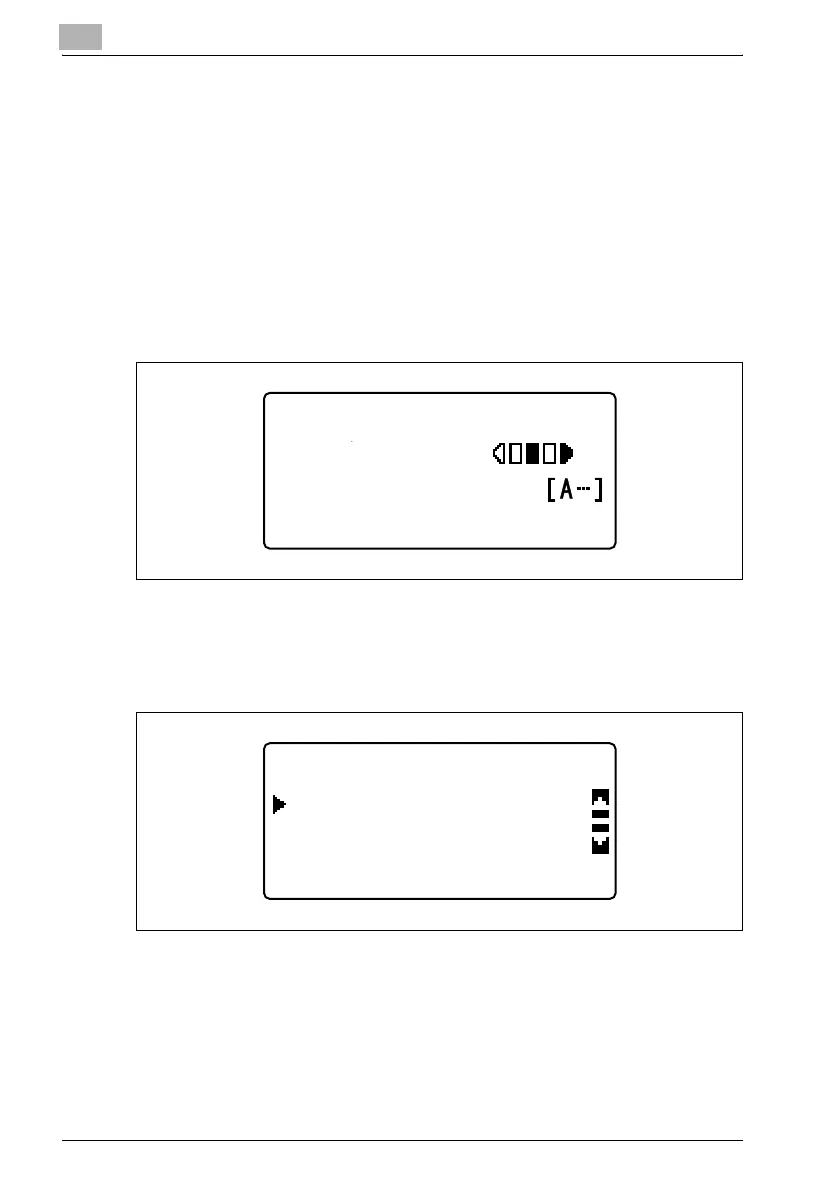
3 Press the [,] or [+] key until "AUTO" or "MANUAL" is selected, and
then press the [OK] key.
300x300dpi TIFF 100%
SET DESTINATION
TEXT/PHOTO
DENSITY(TEXT/PHOTO)
MANUAL
AUTO











 To Next Page