Performing a scan to e-mail operation
10
IC-206 10-29
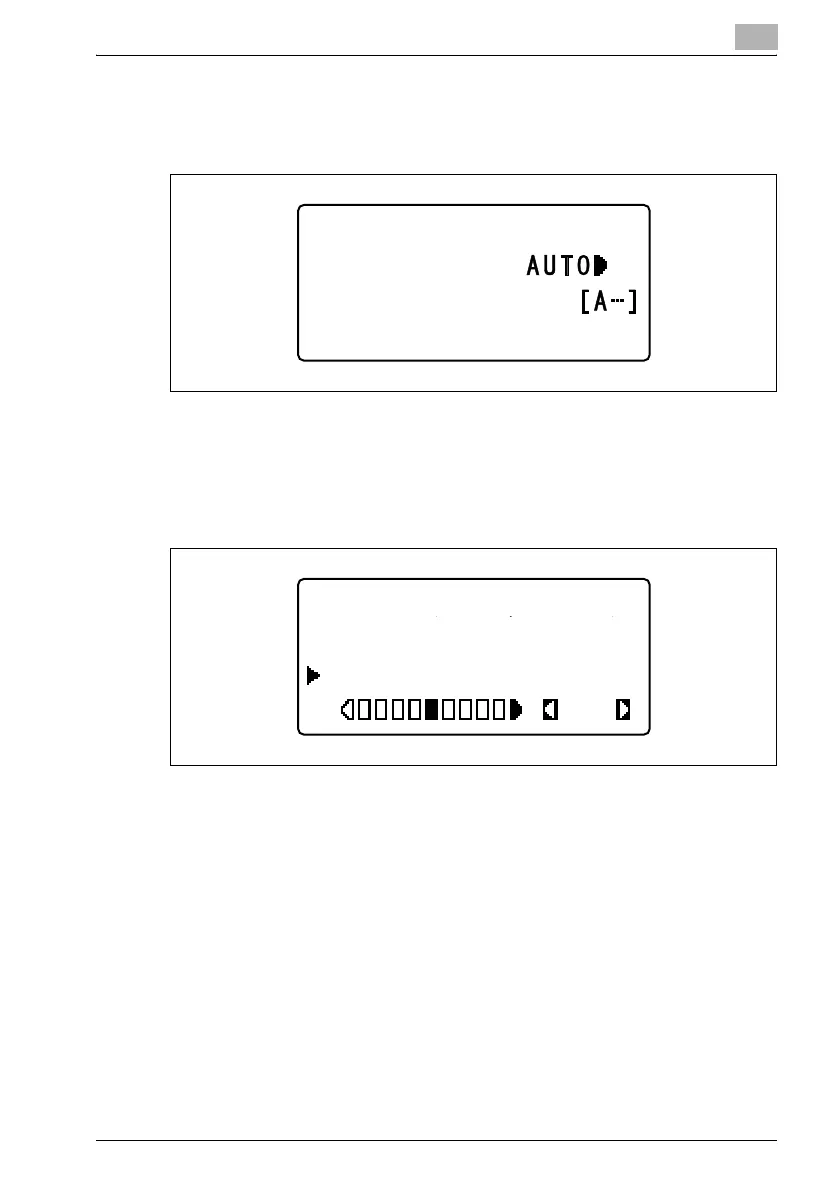
– If "AUTO" is selected, the message "ACCEPTED" appears, and
then the Scan mode screen appears again with "AUTO" appearing
as the density setting.
– If "MANUAL" is selected, a screen appears, allowing you to adjust
the density. Press the [*] or [)] key to adjust the density. Adjusting
the setting to the left reduces the density (lightens the image).
Adjusting the setting to the right increases the density (darkens the
image).
300x300dpi TIFF 100%
SET DESTINATION
TEXT/PHOTO
DENSITY(TEXT/PHOTO)
MANUAL
AUTO
OK












 To Next Page