12
Using PageScope Web Connection
12-40 IC-206
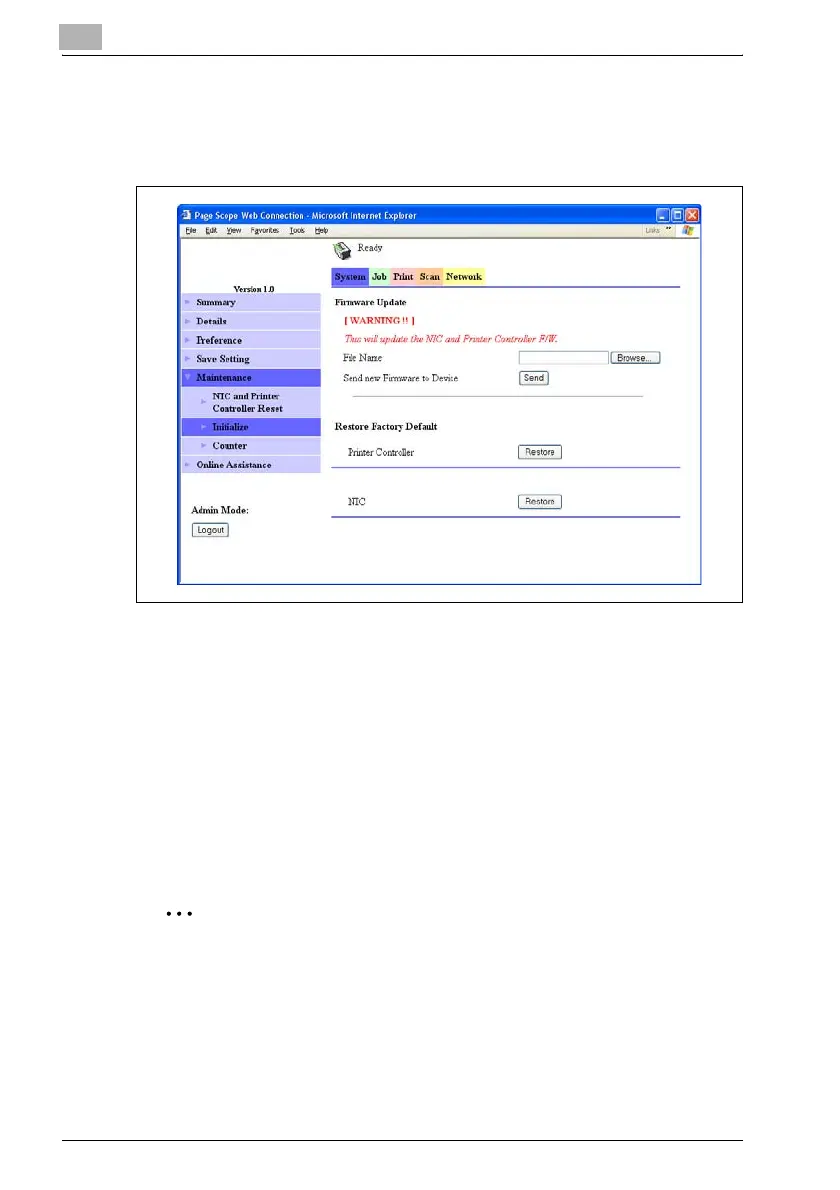
System tab — Maintenance — Initialize
The firmware for the network interface card and image controller can be
updated or reset to the default.
Firmware Update
The firmware for the network interface card and image controller can be
updated.
Contact your technical representative for update files.
1 Click the [Browse] button, and then select the file to be used for
updating.
2 Click the [Send] button.
The firmware is updated.
2
Reminder
Be careful since the current PageScope Web Connection settings will be
lost.
Updating the firmware for the image controller is possible only if the
image controller IC-206 is installed.











 To Next Page