4
Network printing
4-14 IC-206
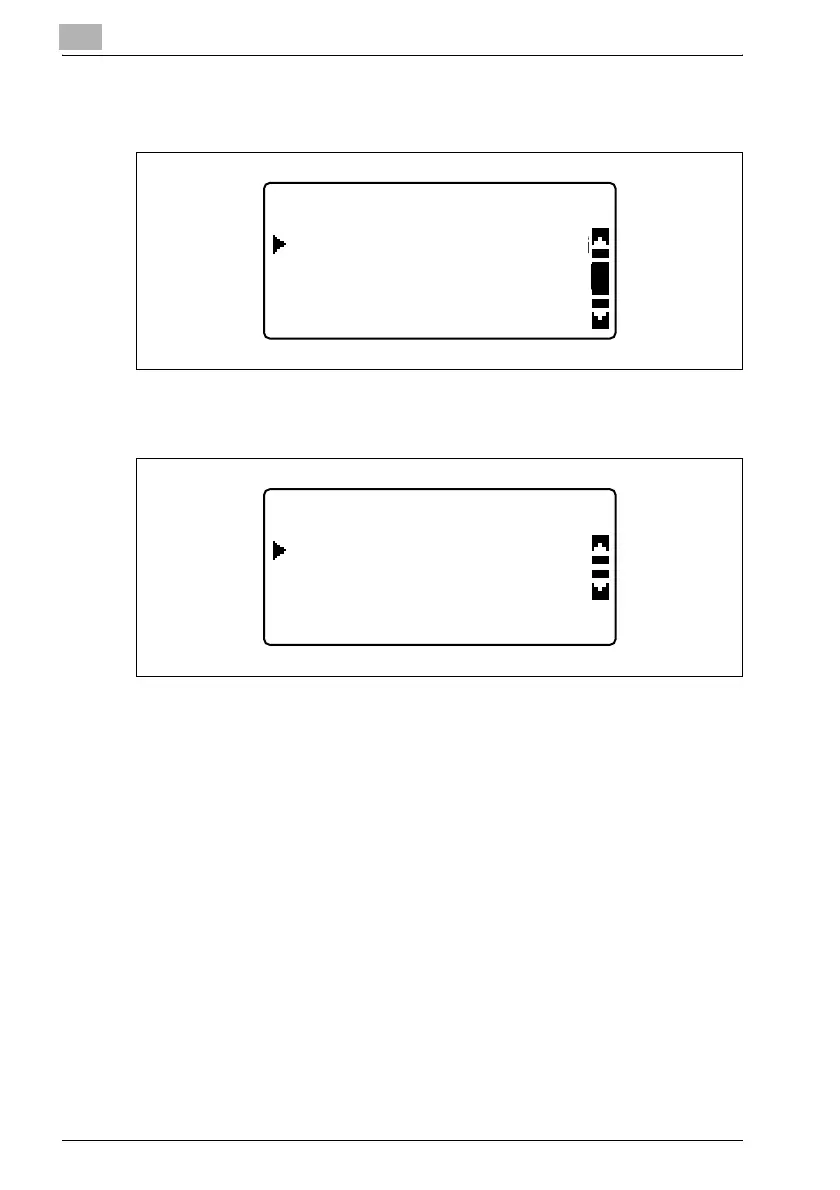
5 In the "NETWORK SETTING" menu, press the [,] or [+] key until "IP
ADDRESS SETTING" is selected, and then press the [OK] key.
6 Press the [,] or [+] key until "AUTO" or "SPECIFY" is selected, and
then press the [OK] key.
– If "AUTO" was selected, the IP address will automatically be
obtained from the DHCP server. After the message "ACCEPTED"
appears, the "NETWORK SETTING" menu appears again.
– If "SPECIFY" is selected, a screen appears, allowing you to specify
the IP address. Continue with step 7.
– "AUTO" is available only if a DHCP server is on the network. If
"AUTO" is selected, it will not be necessary to specify the subnet
mask or gateway settings.
NETWORK SETTING
DNS CONFIG.
IP ADDRESS SETTING
WEB SETTING
IP ADDRESS SETTING
SPECIFY
AUTO












 To Next Page