Using PageScope Web Connection
12
IC-206 12-21
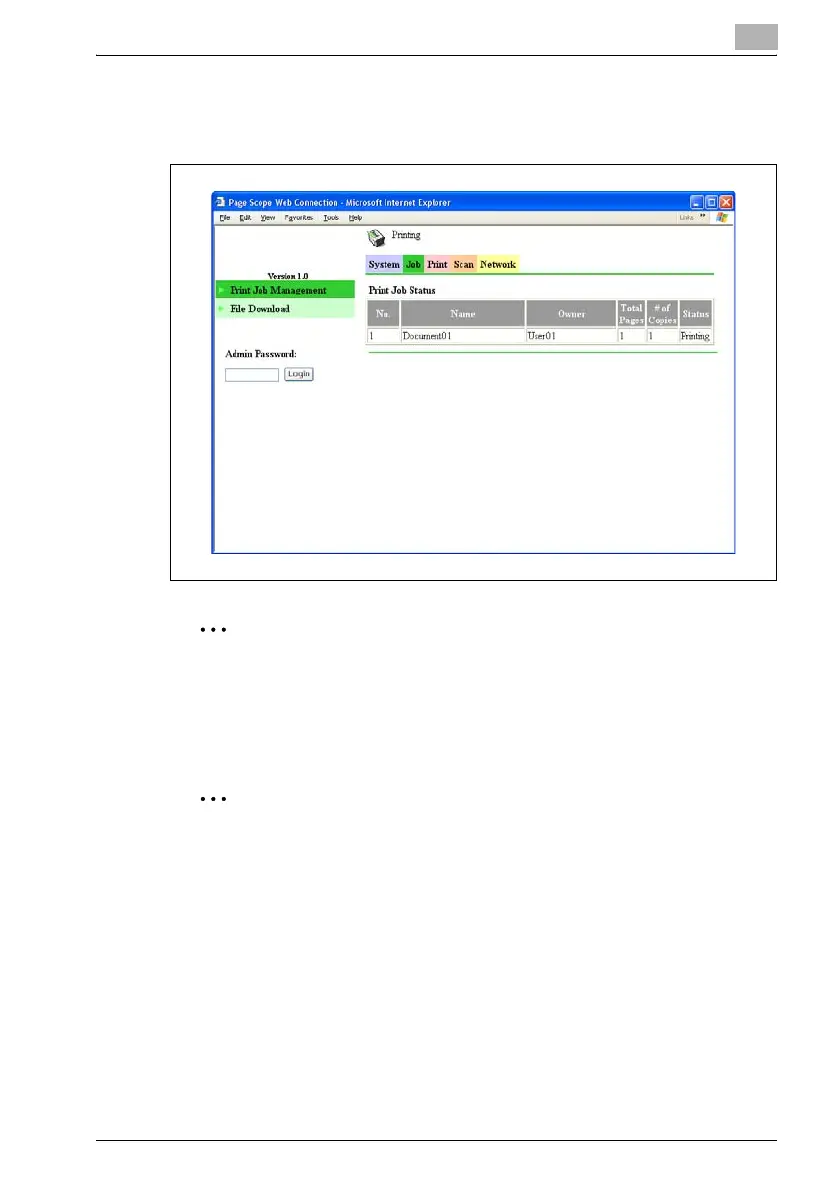
Job tab — Print Job Management
Detailed information of the print jobs are displayed.
2
Reminder
A maximum of 20 print jobs can be displayed, and jobs that have been
printed will automatically be deleted.
Jobs specified as secure print jobs are not displayed.
2
Note
The number assigned to the job when it was queued in the machine
appears as the job number.
In order to delete a print job, you must be logged on to Administrator
mode.












 To Next Page