12
Using PageScope Web Connection
12-32 IC-206
12.8 Administrator mode
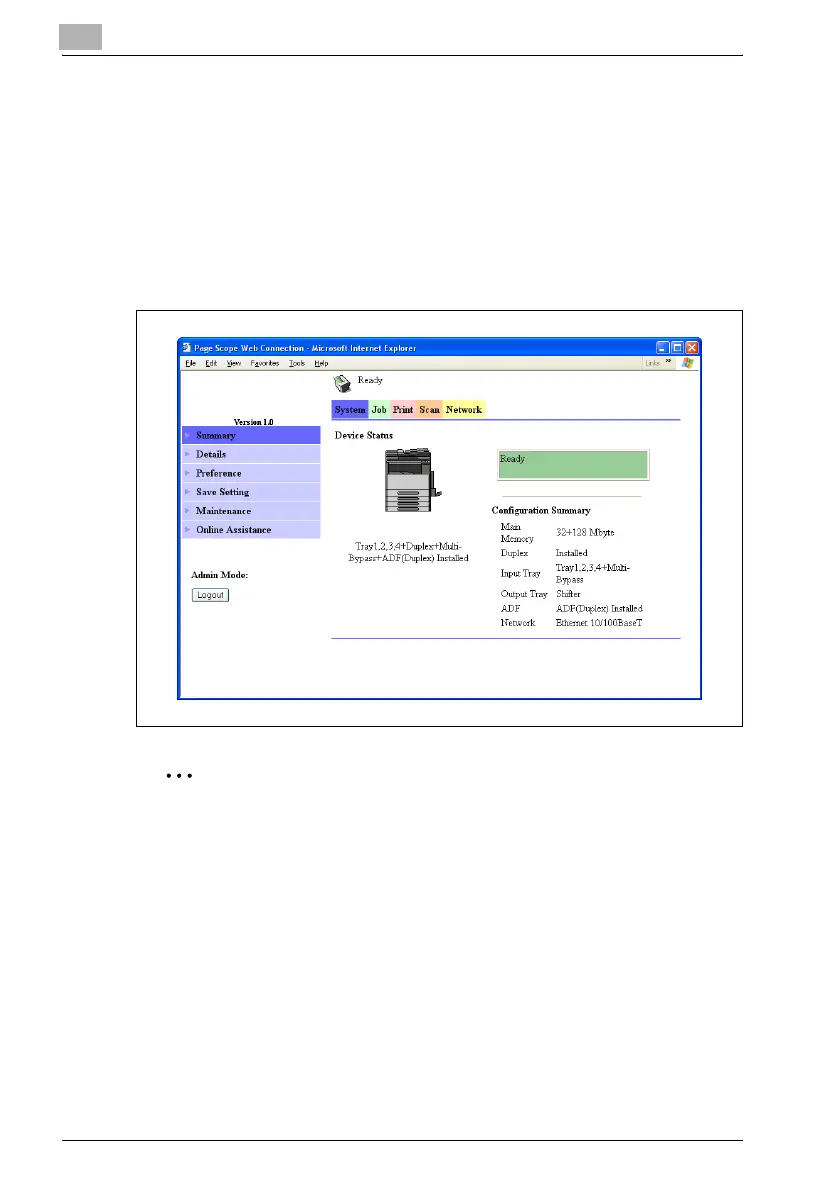
The Administrator mode provides functions for checking and operating the
machine and changing settings on an administrator level. This section
contains descriptions of the items in the menu that appears on the left side
of the page when each Administrator mode tab is clicked.
Administrator mode tabs
You can select from five tabs (System, Job, Print, Scan and Network).
2
Note
The Print tab appears only if the image controller IC-206 is installed.












 To Next Page