12
Using PageScope Web Connection
12-14 IC-206
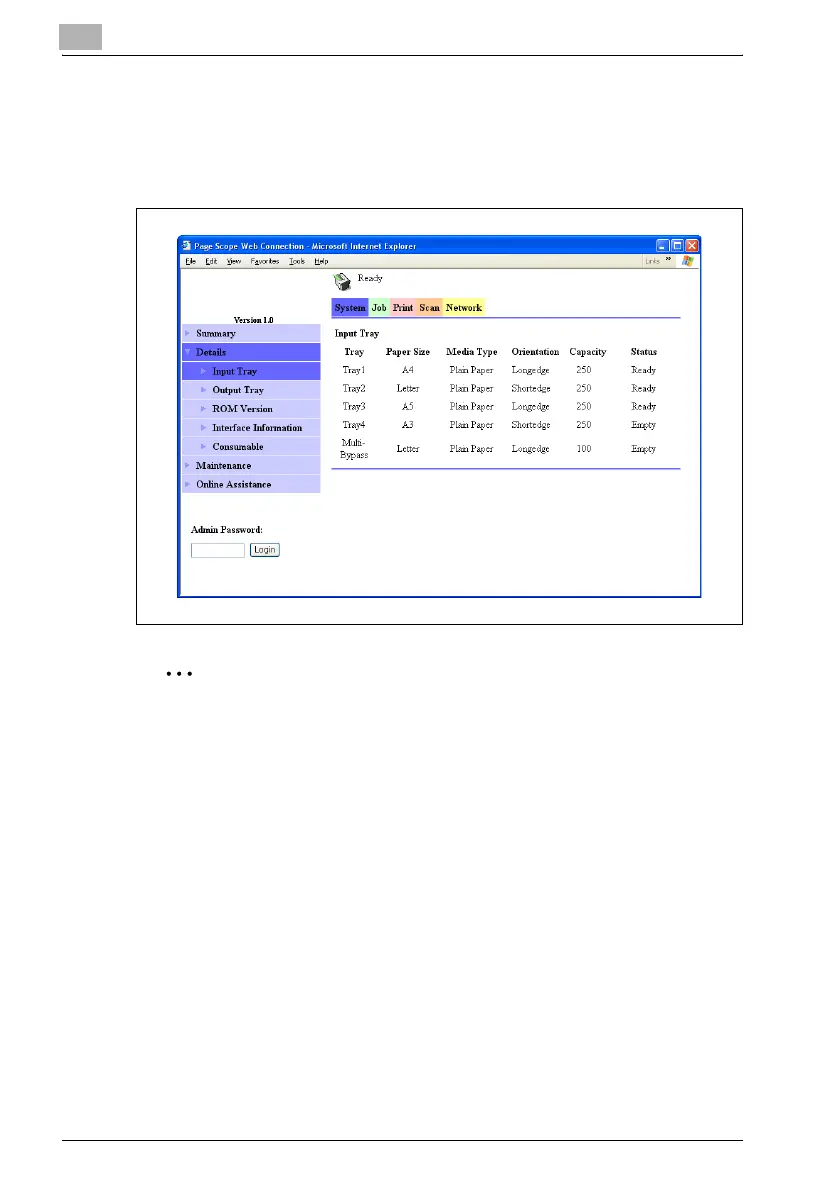
System tab — Details — Input Tray
The name of each installed paper drawer, the size and type of the loaded
paper, the printing orientation, the paper drawer capacities, and the status
of the paper drawers are displayed.
2
Note
The information that is displayed differs depending on the installed
options and the specified settings.












 To Next Page