10
Performing a scan to e-mail operation
10-44 IC-206
10.10 Selecting a destination from the phone book
The phone book contains all destinations registered with one-touch dial keys
and speed dial numbers. In addition, in an environment where an LDAP
server is being used, the LDAP server can be searched for destinations to be
registered. The transmission can be sent to the destination found in the
phone book using this function.
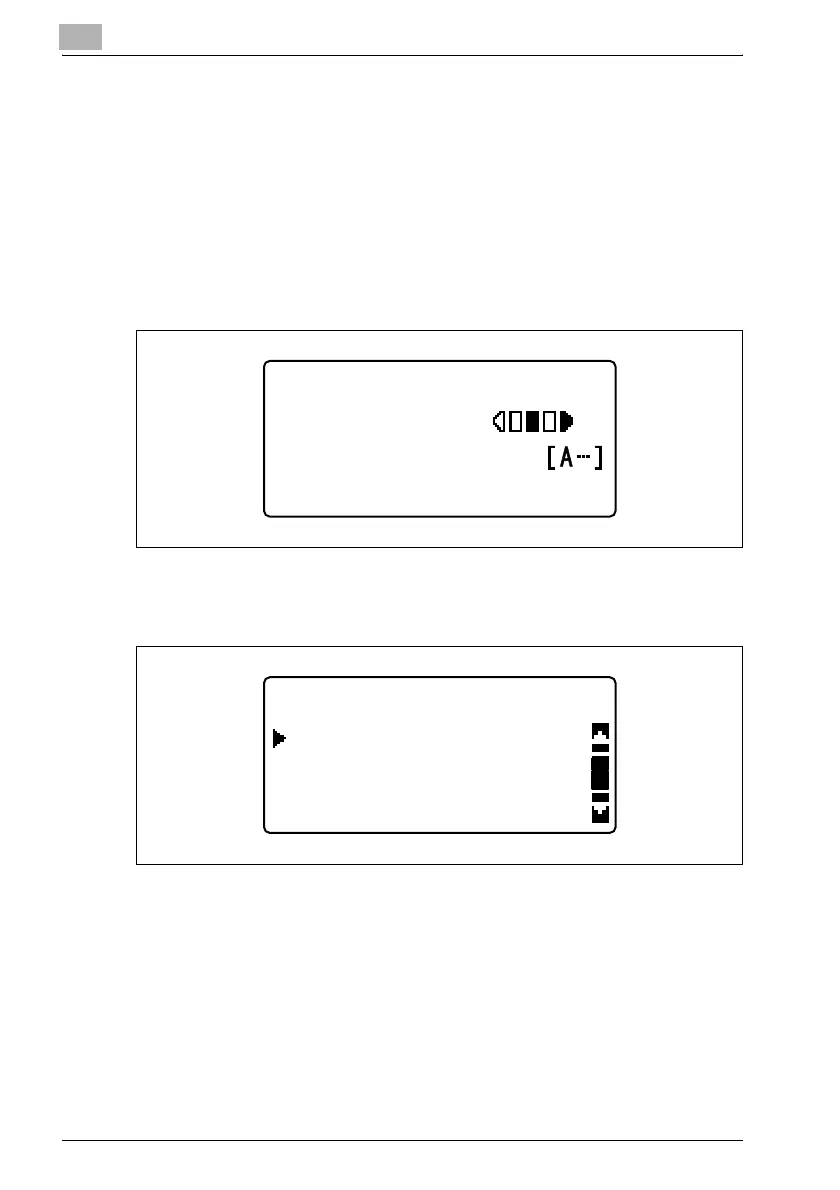
1 Press the [Scan] key.
The machine enters Scan mode, and the Scan mode screen appears.
2 Press the [Phone Book] key.
The "PHONE BOOK" menu appears.
300x300dpi TIFF 100%
SET DESTINATION
TEXT/PHOTO
PHONE BOOK
SEARCH
LIST
LDAP SEARCH












 To Next Page