Registering destinations
9
IC-206 9-5
Registering one-touch dial destinations
2
Note
In order to use the one-touch dial destinations, optional fax kit FK-506
must be installed.
1 Press the [Utility] key in the control panel.
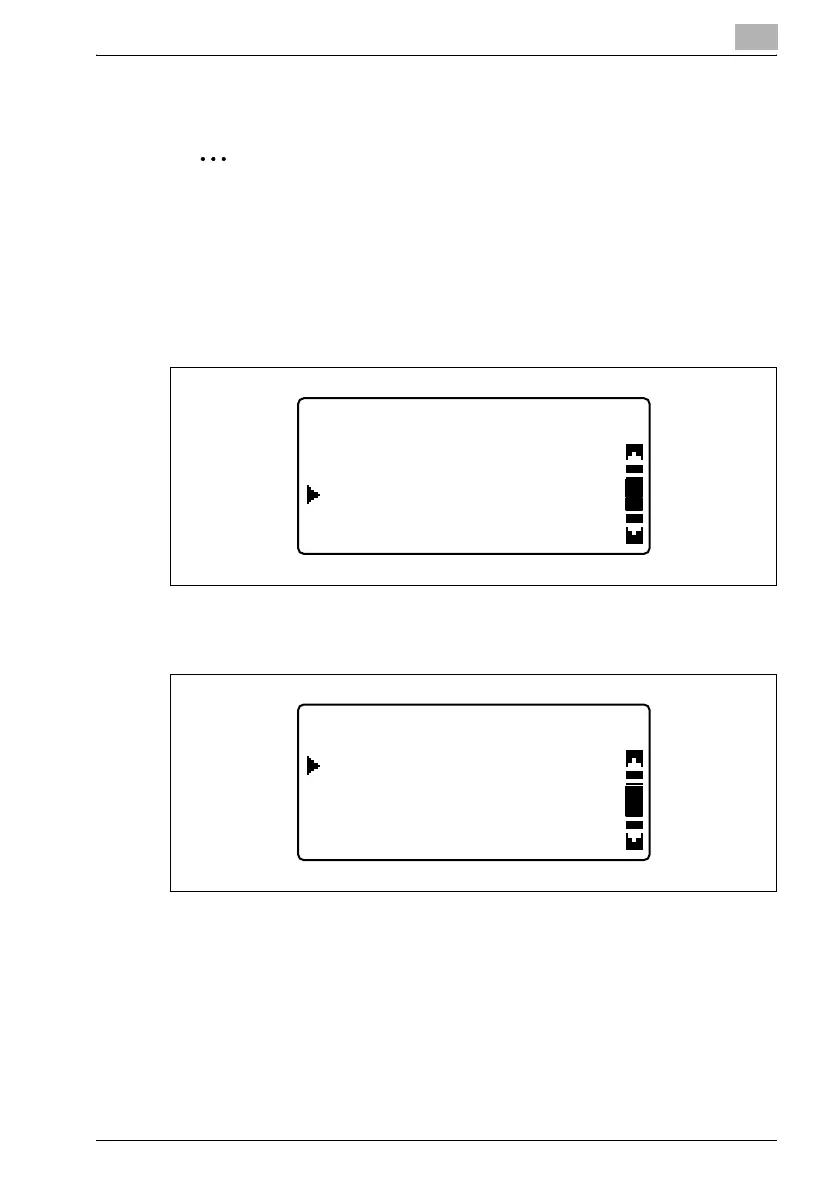
2 Press the [,] or [+] key until "DIAL REGISTRATION" is selected, and
then press the [OK] key.
3 Press the [,] or [+] key until "ONE-TOUCH DIAL" is selected, and then
press the [OK] key.
UTILITY MODE
DIAL REGISTRATION
COPY SETTING 2
FAX REGISTRATION
DIAL REGISTRATION
SPEED DIAL
ONE-TOUCH DIAL
GROUP DIAL












 To Next Page