Control panel operations for printing functions
6
IC-206 6-5
Canceling a print job
Printing of a print job can be canceled from the control panel of the
machine’s control panel. However, a print job can only be canceled from the
control panel while the machine is in Printer mode.
1 Check that the Printer indicator is flashing or is lit, and then press the
[Printer] key.
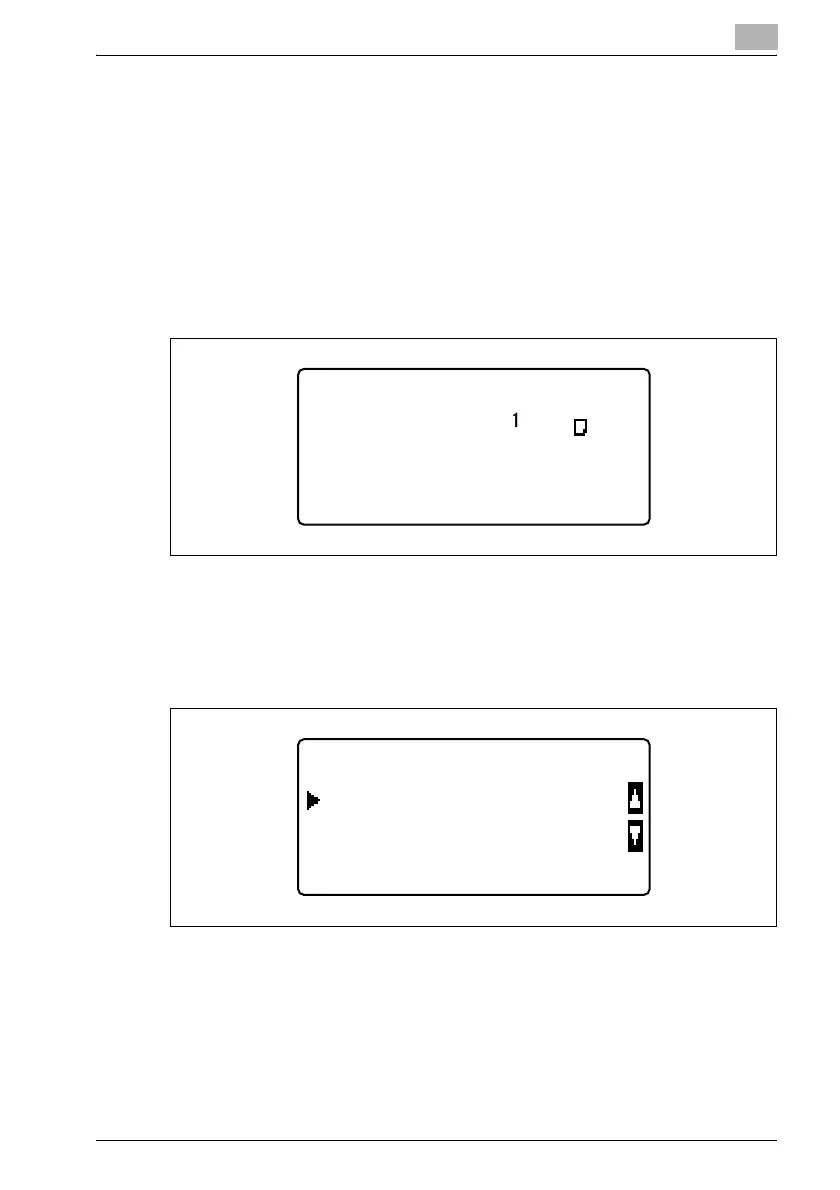
2 Check that "PRINTER MODE PRINTING" appears in the machine’s
display.
– The message that appears differs depending on the status of the
machine.
3 Press the [Clear/Stop] key.
The confirmation message "JOB CANCEL" appears.
PRINTER MODE
User01
PRINTING
LTR
JOB CANCEL
NO
YES












 To Next Page