6
Control panel operations for printing functions
6-6 IC-206
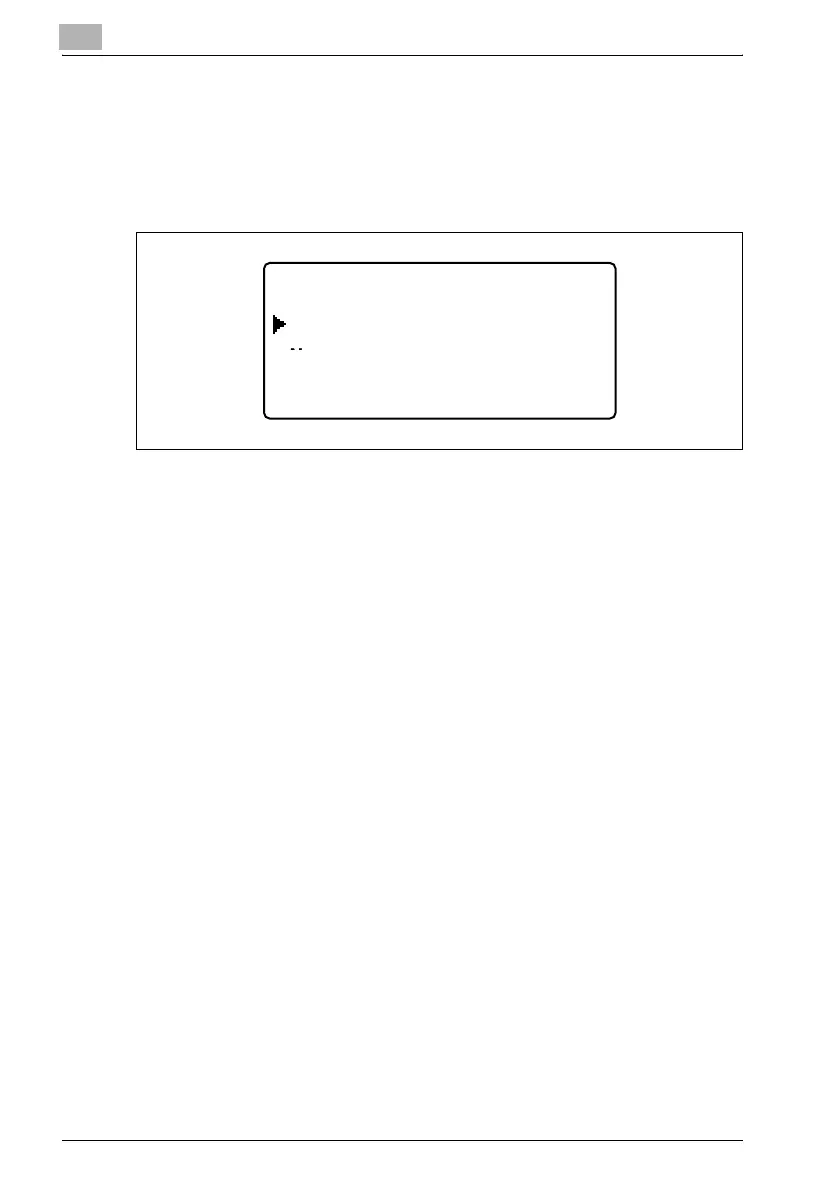
4 Press the [+]or [,] key to select "YES", and then press the [OK] key.
– To continue printing, select "No".
– If no key is pressed within five seconds, printing continues.
"ACCEPTED" appears in the display and the print job is canceled.
If any of the following messages appear in the display, the print job can also
be canceled by repeating steps 2 and 3 from the procedure described
above.
- PAPER EMPTY
- PAPER JAM
- PAPER SIZE ERROR
- RESET PAPER
- NO SUITABLE PAPER
- UPPER TRAY FULL
- REMOVE PAPER IN BYPASS TRAY
- LOAD PAPER
- INCORRECT PAPER SIZE
- MEDIA TYPE ERROR
-
*
RECEIVING
*
- FRONT COVER OPEN
- 1st SIDE COVER OPEN
- DUPLEX COVER OPEN
- TONER EMPTY
______ACCEPTED______
NO
YES












 To Next Page