Network printing
4
IC-206 4-17
4.4 Printing the settings information
Print the settings information to be able to check the settings.
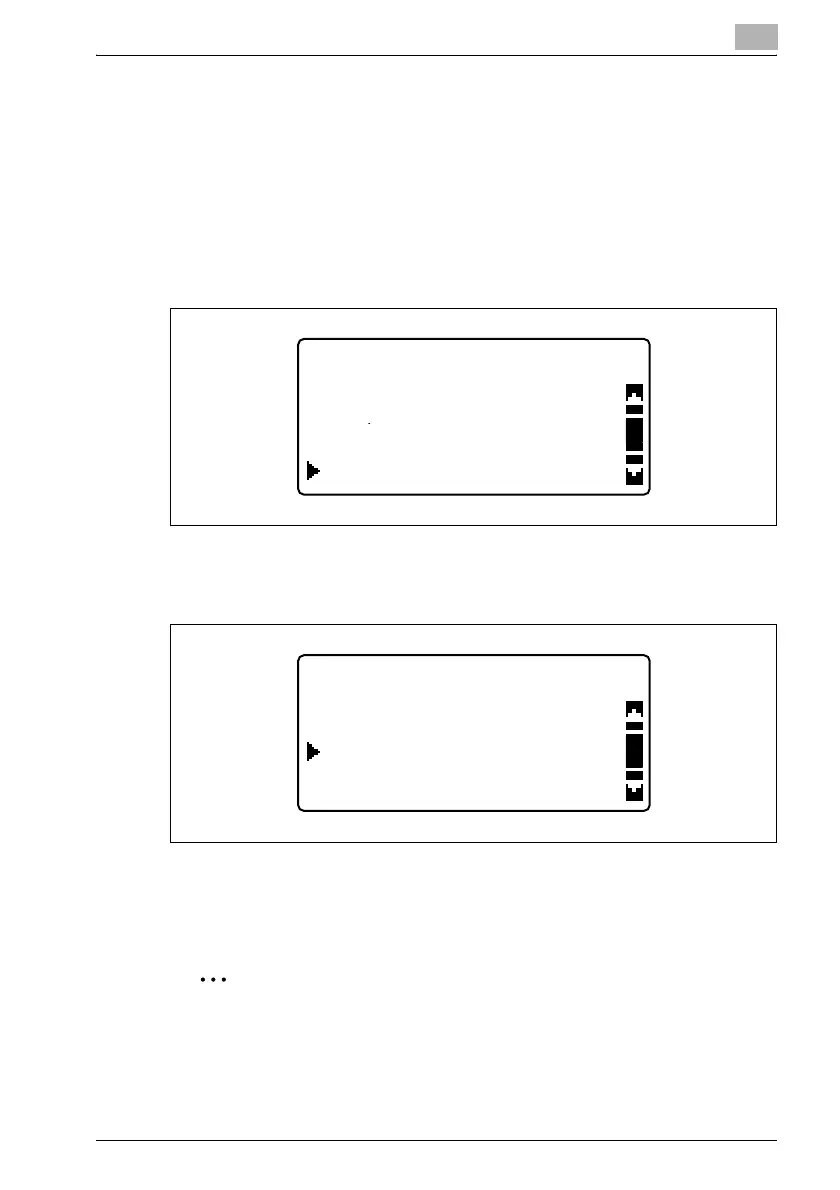
1 From the control panel, press the [Confirm] key.
The "CONFIRM MODE" menu appears.
2 Press the [,] or [+] key until "PRINT REPORT" is selected, and then
press the [OK] key.
The "PRINT REPORT" menu appears.
3 Press the [,] or [+] key until "CONFIGURATION PAGE" is selected.
4 Press the [OK] key.
After the message "PRINTING" appears, the settings information is
printed.
2
Note
If "PCL FONT LIST" is selected, the list of printer fonts can be viewed.
CONFIRM MODE
TX/RX RESULT
TOTAL PAGE
PRINT REPORT
PRINT REPORT
CONFIGURATION PAGE
MACHINE STATUS
PCL FONT LIST












 To Next Page