Performing a scan to e-mail operation
10
IC-206 10-41
10.7 Specifying a one-touch dial destination
2
Note
In order to use the one-touch dial destinations, optional fax kit FK-506
must be installed.
1 Press the [Scan] key.
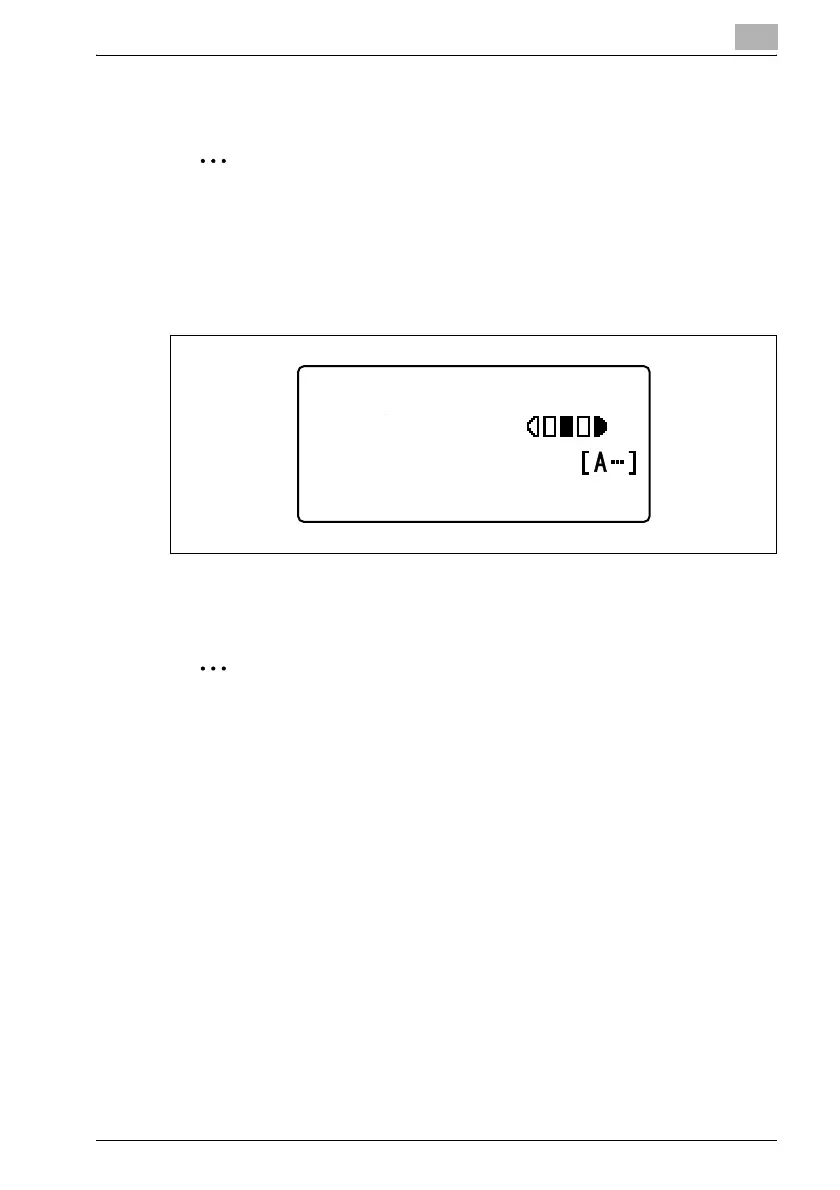
The machine enters Scan mode, and the Scan mode screen appears.
2 Press the one-touch dial key ([01] through [32]) programmed with the
e-mail address of the recipient.
2
Note
The recipient must have been registered with a one-touch dial key in
advance.
For details on programming the one-touch dial keys, refer to "Registering
destinations" on page 9-3.
300x300dpi TIFF 100%
SET DESTINATION
TEXT/PHOTO












 To Next Page