12
Using PageScope Web Connection
12-50 IC-206
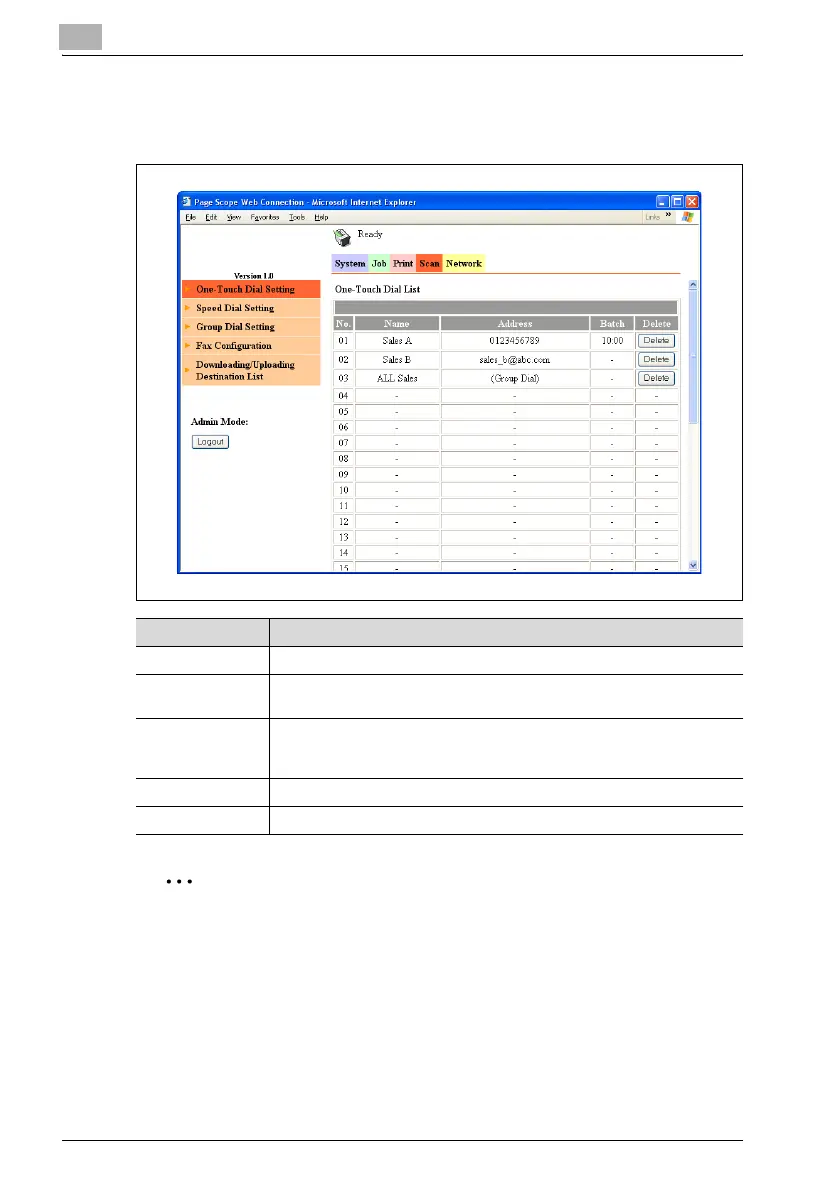
Scan tab — One-Touch Dial Setting
One-touch dial settings can be viewed and registered.
2
Note
"One-Touch Dial Setting" appears in the menu only if fax kit FK-506 is
installed.
Item Description
No. Displays the one-touch dial number (between 01 and 32).
Name Displays the name of the recipient registered with the one-touch dial
number. The display name appears in the control panel display.
Address Displays the recipient registered with the one-touch dial number.
Depending on the type of recipient registered, either a fax number or an e-
mail address is displayed.
Batch Displays the transmission time if batch transmission is specified.
[Delete] button Click this button to delete the corresponding one-touch dial settings.












 To Next Page