9
Registering destinations
9-6 IC-206
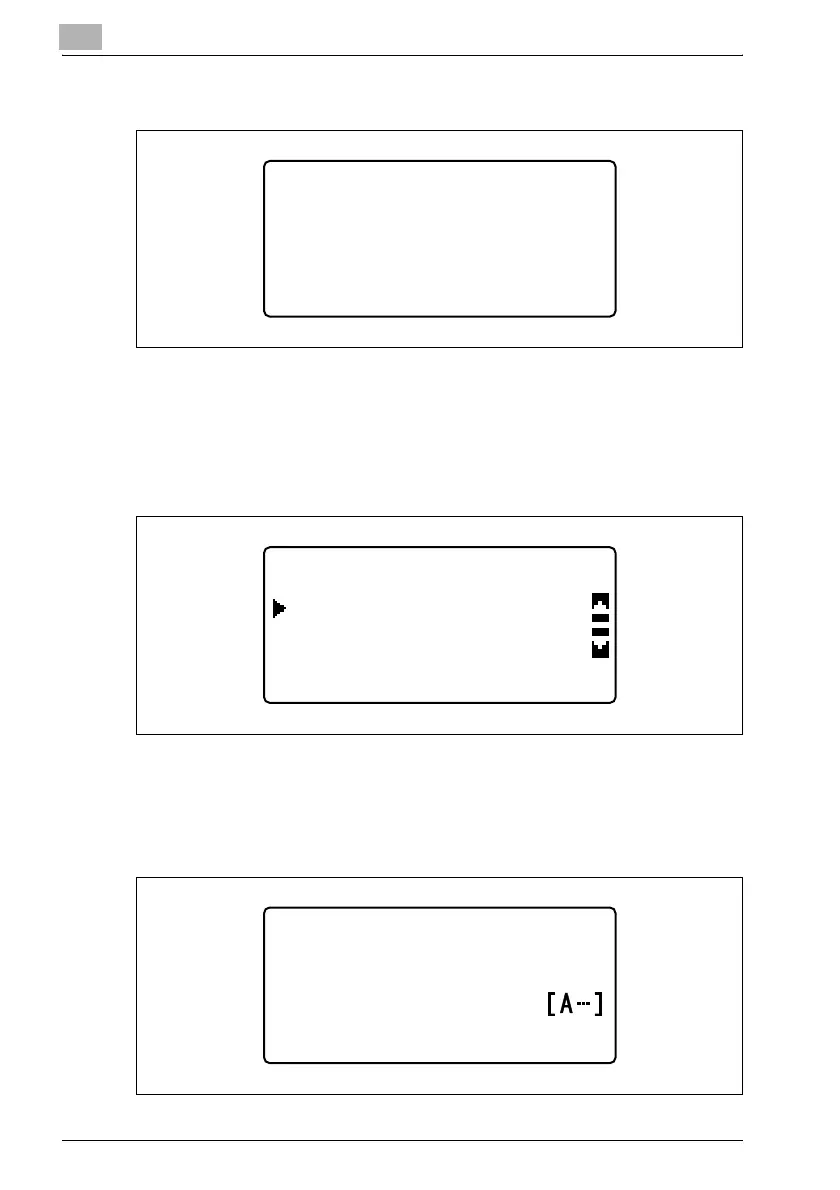
4 Press the one-touch dial key to be programmed.
– One-touch dial keys 01 to 32 can be programmed.
The number of the key to be programmed appears, and then the screen
for registering settings appears.
5 Select "MANUAL SETTING" or "LDAP SEARCH", and then press the
[OK] key.
– If "MANUAL SETTING" was selected, continue with step 6.
– If "LDAP SEARCH" was selected, continue with step 9.
6 If "MANUAL SETTING" was selected, type in the name of the
destination, and then press the [OK] key.
ONE-TOUCH DIAL
-SELECT REGIST.KEY-
ONE-TOUCH DIAL +1
LDAP SEARCH
MANUAL SETTING
ONE-TOUCH DIAL +1
:user
NAME












 To Next Page