Registering destinations
9
IC-206 9-7
7 Type in the e-mail address of the recipient.
– When the destination address is entered, "OTHER SETTING=,"
appears. The transmission size and resolution for sending Internet
faxes can be specified. These settings are applied when a
transmission is specified using the procedure for Internet fax
transmissions. The settings are not applied when a transmission is
specified using the procedure for Scan to E-mail transmissions. For
details on the Scan to E-mail operation, refer to "Performing a scan
to e-mail operation" on page 10-3.
For details on Internet faxing, refer to the user manual for fax kit
FK-506.
8 Press the [OK] key.
After the message "REGISTERED" appears, the "DIAL
REGISTRATION" menu appears again.
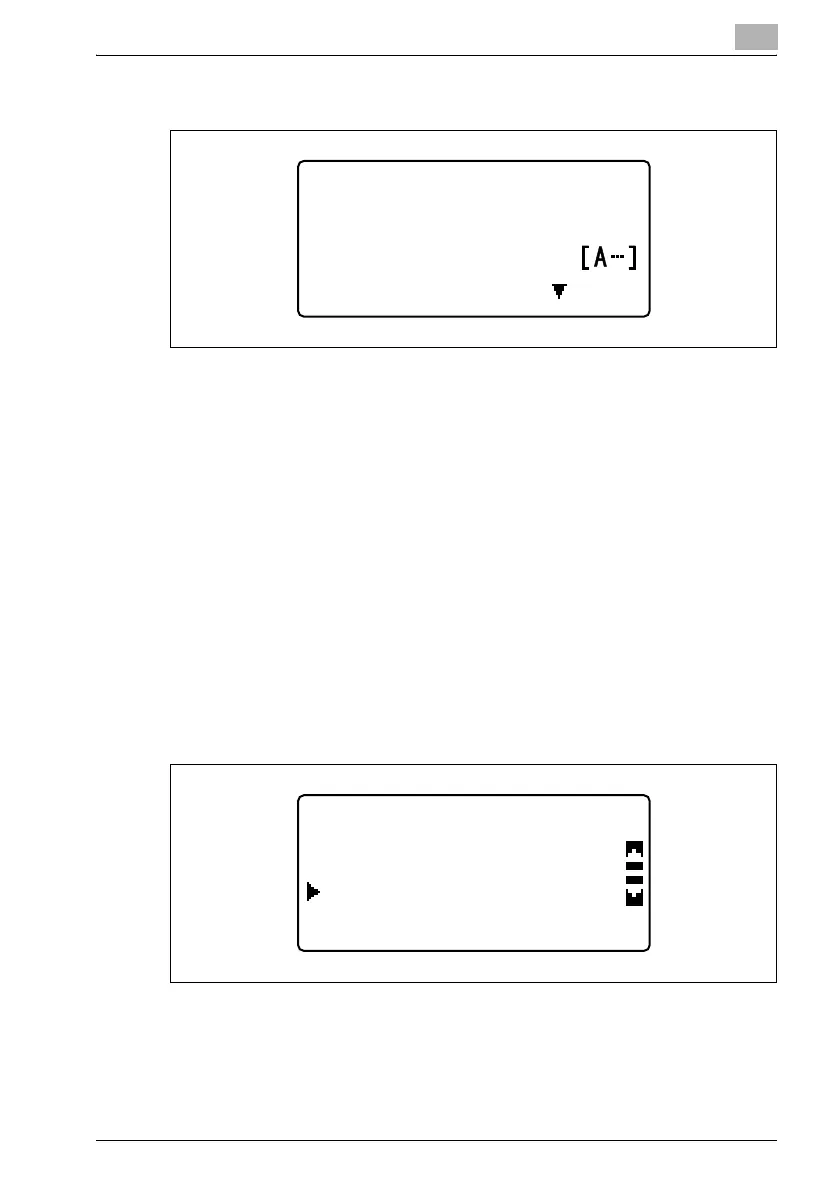
9 To perform an LDAP search, select "LDAP SEARCH" in the
"ONE-TOUCH DIAL" menu, and then press the [OK] key.
ONE-TOUCH DIAL +1
:user@test.loca
DESTINATION
OTHER SETTING=
ONE-TOUCH DIAL +1
LDAP SEARCH
MANUAL SETTING


 To Next Page
 Loading...