9
Registering destinations
9-26 IC-206
Editing or deleting a speed dial destination
1 Press the [Utility] key in the control panel.
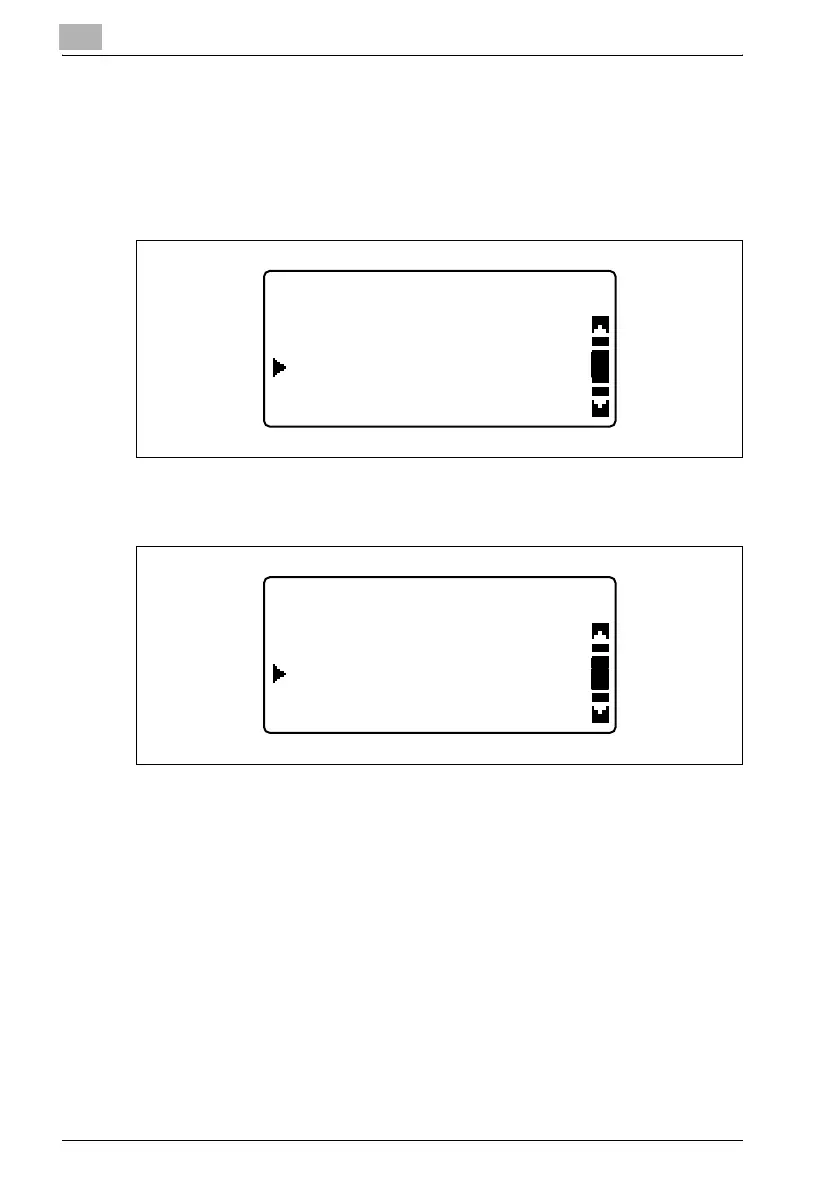
2 Press the [,] or [+] key until "DIAL REGISTRATION" is selected, and
then press the [OK] key.
3 Press the [,] or [+] key until "SPEED DIAL" is selected, and then press
the [OK] key.
UTILITY MODE
DIAL REGISTRATION
COPY SETTING 2
FAX REGISTRATION
DIAL REGISTRATION
SPEED DIAL
ONE-TOUCH DIAL
GROUP DIAL












 To Next Page