Performing a scan to e-mail operation
10
IC-206 10-13
10.2 Changing the transmission settings
From the "SCAN OTHER SETTING" menu, settings for the subject, cc
address, file format and compression encoding method can be specified for
the scanned data.
Specifying the subject
1 Press the [Scan] key.
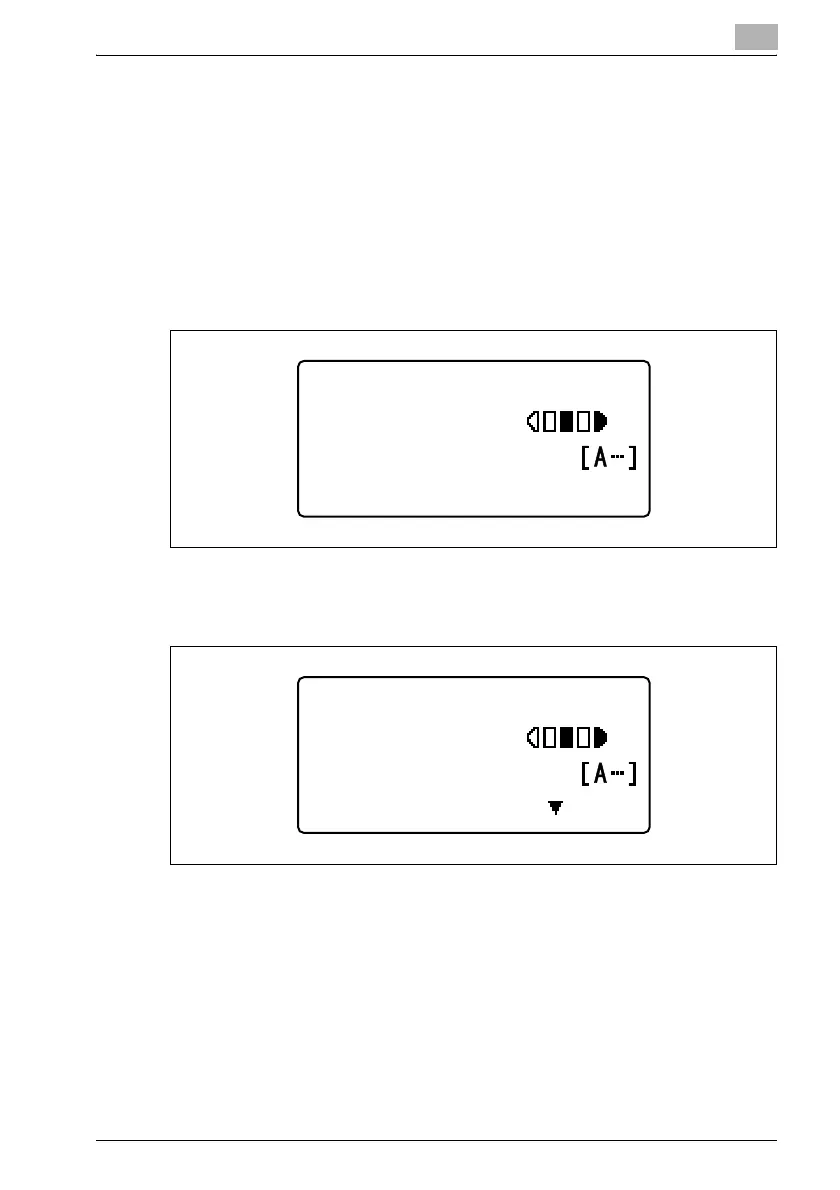
The machine enters Scan mode, and the Scan mode screen appears.
2 Position the document, and then specify the recipient.
"OTHER SETTING=," appears.
3 Press the [,] key.
The "SCAN OTHER SETTING" menu appears.
300x300dpi TIFF 100%
SET DESTINATION
TEXT/PHOTO
300x300dpi TIFF 100%
TO:user@test.loc
TEXT/PHOTO
OTHER SETTING=











 To Next Page