Registering destinations
9
IC-206 9-27
4 Type in the speed dial number for the destination to be edited or
deleted, and then press the [OK] key.
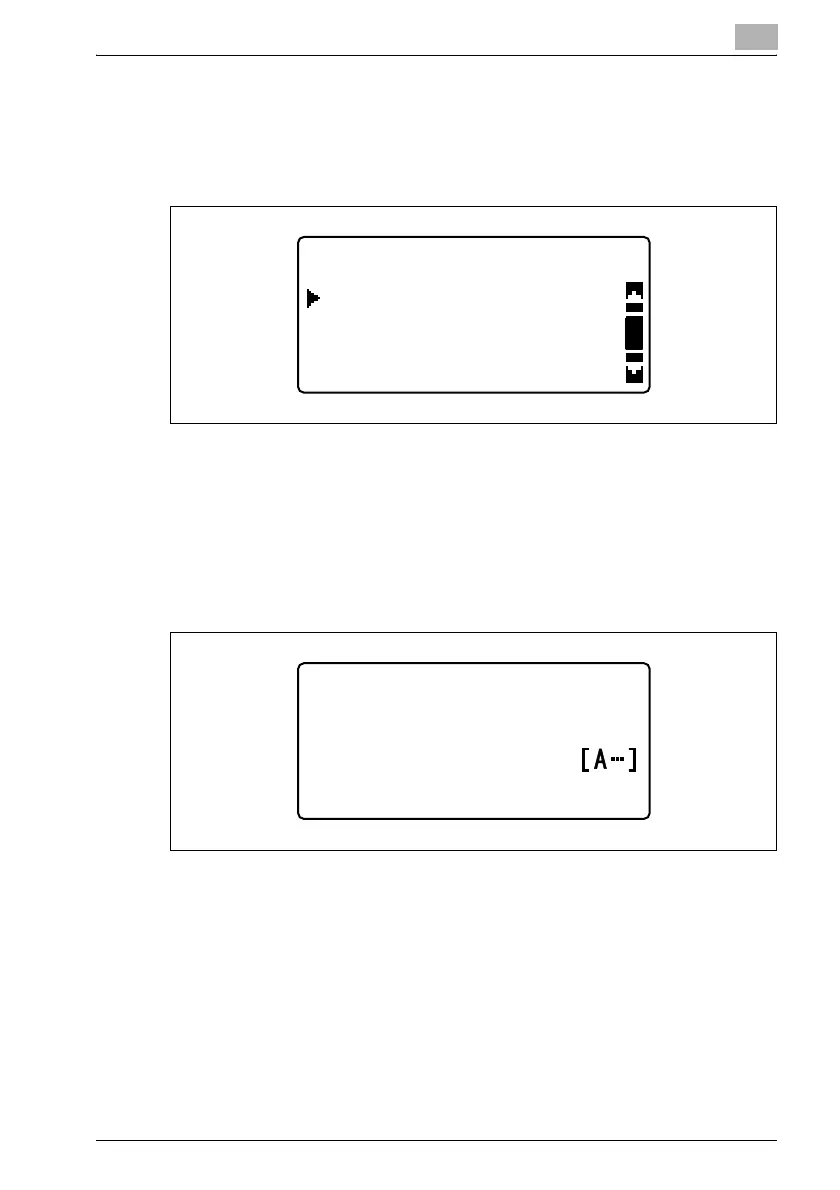
After the registered information is displayed, the following screen
appears.
5 Press the [,] or [+] key until "EDIT" or "DELETE" is selected.
– If "DELETE" was selected and the [OK] key is pressed, the message
"DELETED" appears, and then the "DIAL REGISTRATION" menu
appears again.
6 To edit the information, select "EDIT", and then press the [OK] key.
The name of the registered destination is displayed.
– To correct destination name, press the [Clear/Stop] to erase it, and
then type in the correct destination name.
The name of the registered destination is displayed.
SPEED DIAL +01
DELETE
EDIT
RETURN
SPEED DIAL +01
:user01
NAME












 To Next Page