4
Network printing
4-16 IC-206
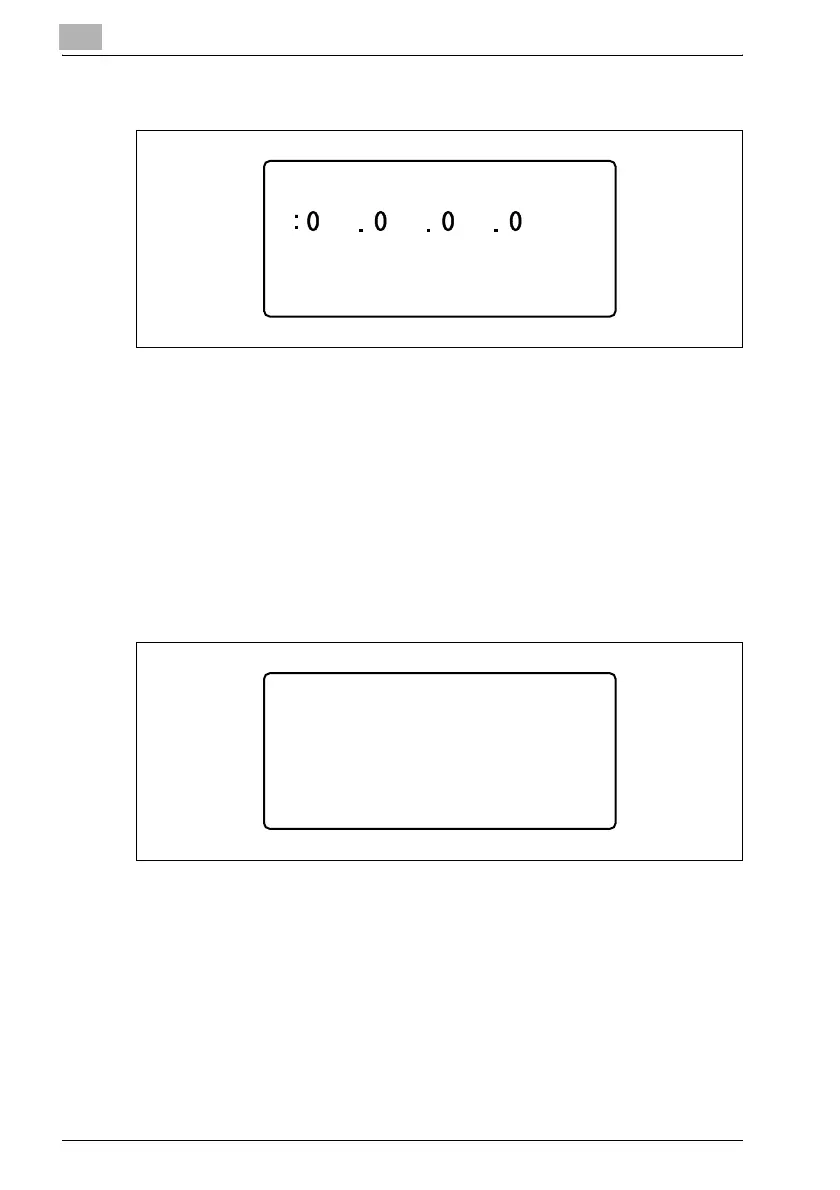
9 Using the keypad, type in the gateway.
– For the gateway, consult with the network administrator.
– If the number was incorrectly entered, press the [Clear/Stop] key to
erase it, and then type it in correctly.
10 Press the [OK] key.
The message "ACCEPTED" appears, and then the "NETWORK
SETTING" menu appears again.
11 Press the [Reset] key in the control panel.
– After the screen shown below appears, turn the machine off, then
on again to restart it.
– In order to apply the new settings, the machine must be turned off,
then on again to be restarted.
GATEWAY
______CAUTION_______
POWER SUPPLY OFF/ON
PLEASE RE-START












 To Next Page