10
Performing a scan to e-mail operation
10-30 IC-206
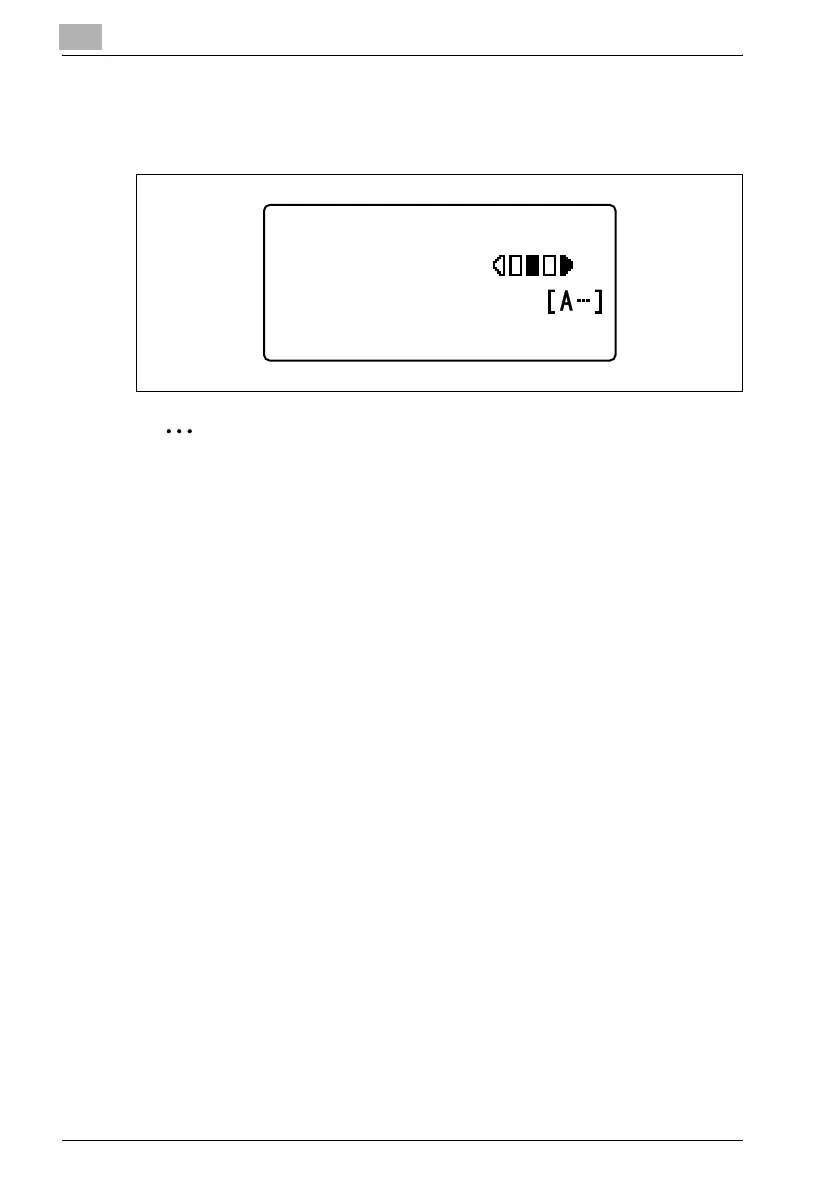
When the [OK] key is pressed after the density setting is adjusted, the
message "ACCEPTED" appears, and then the Scan mode screen
appears again with the adjusted density setting indicated.
2
Note
The manufacturer’s default setting is "AUTO".
300x300dpi TIFF 100%
SET DESTINATION
TEXT/PHOTO


 To Next Page
 Loading...