Performing a scan to e-mail operation
10
IC-206 10-27
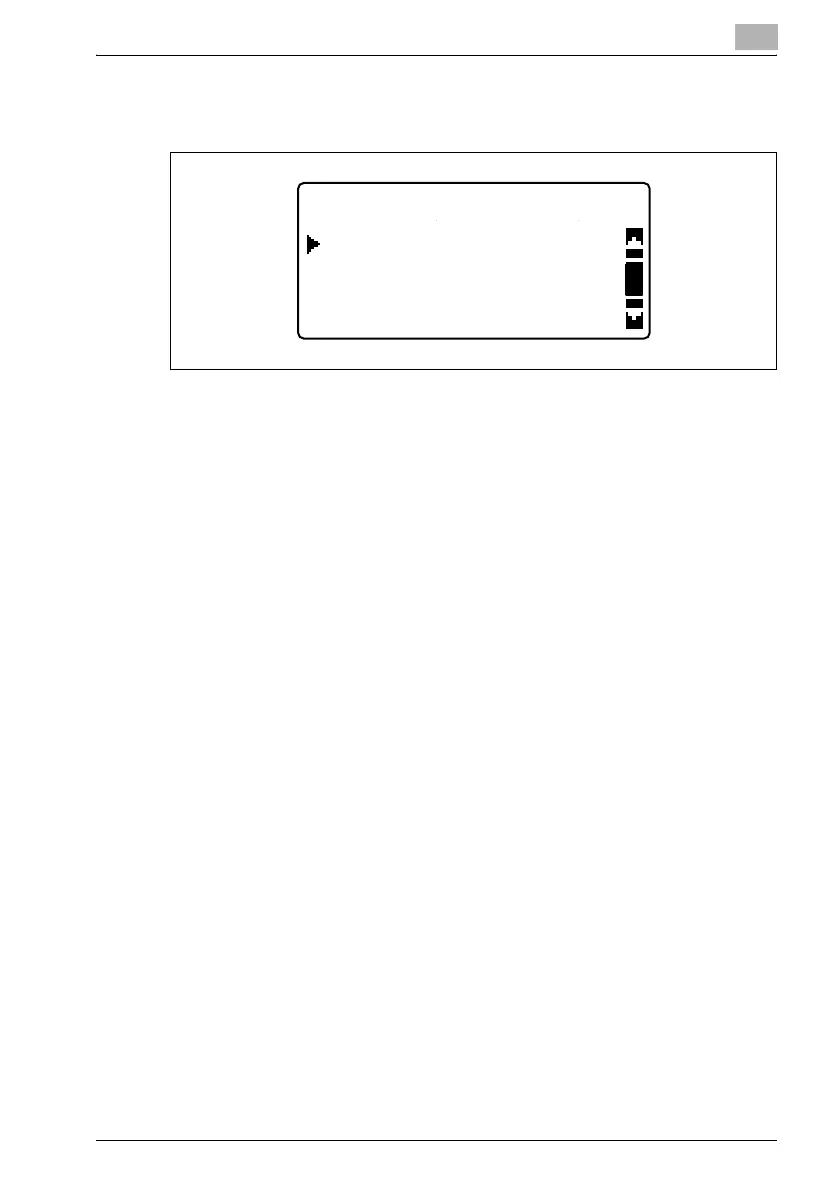
4 Press the [,] or [+] key until the type of document to be attached to e-
mail messages is selected.
– The settings available for the document quality are "TEXT/PHOTO",
"TEXT" and "PHOTO".
– The manufacturer’s default setting is "TEXT/PHOTO".
5 Press the [OK] key.
After the message "ACCEPTED" appears, the Scan mode screen
appears again.
QUALITY(ORIGINAL)
TEXT
TEXT/PHOTO
PHOTO












 To Next Page