Performing a scan to e-mail operation
10
IC-206 10-23
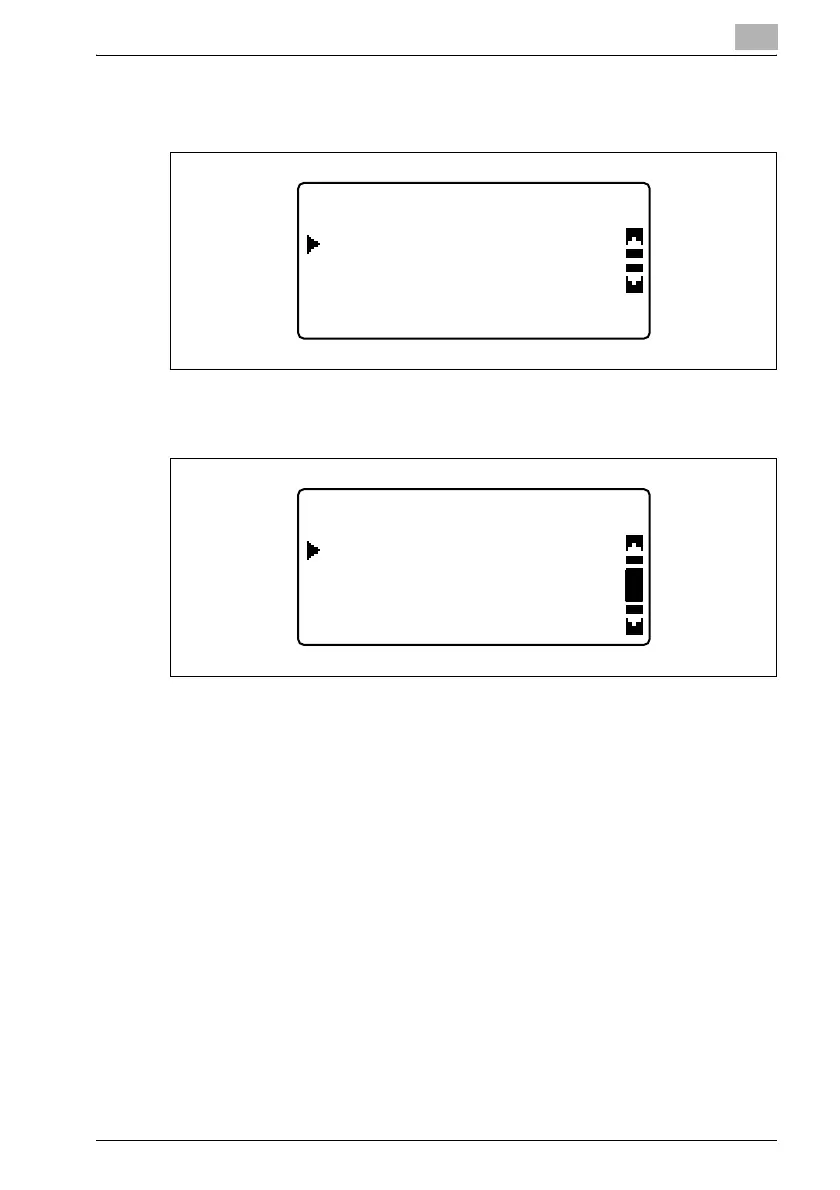
4 Press the [,] or [+] key until "CODING METHOD" is selected, and then
press the [OK] key.
5 Press the [,] or [+] key until "MH", "MR" or "MMR" is selected as the
compression encoding method.
6 Press the [OK] key.
After the message "ACCEPTED" appears, the "SCAN OTHER
SETTING" menu appears again.
7 After specifying all settings, press the [,] or [+] key until "RETURN" is
selected, and then press the [OK] key.
The Scan mode screen appears again.
SCAN OTHER SETTING
RETURN
CODING METHOD
SCAN OTHER SETTING
MR
MH
MMR


 To Next Page
 Loading...