10
Performing a scan to e-mail operation
10-32 IC-206
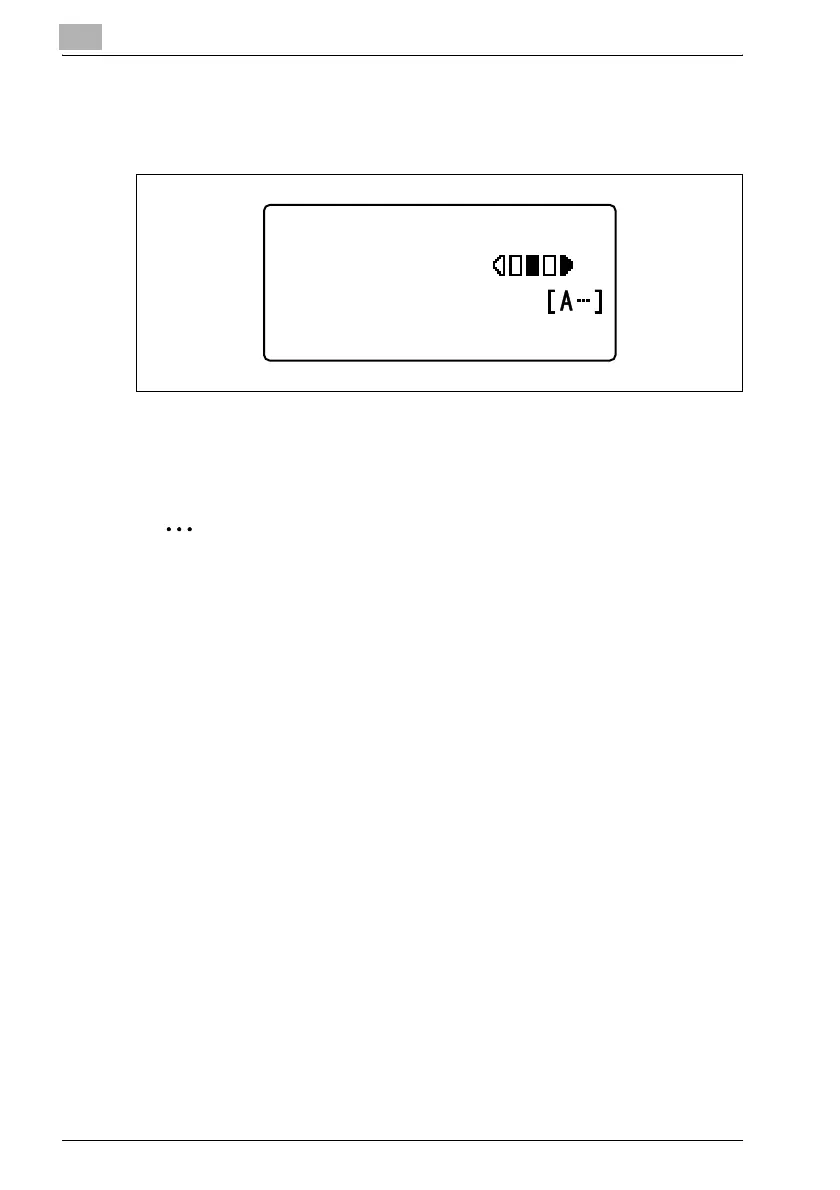
4 When the [OK] key is pressed, the message "ACCEPTED" appears,
and then the Scan mode screen appears again with the adjusted
density setting indicated.
– If the density setting is adjusted to the left, the setting on the left
side is indicated in the Scan mode screen. If the density setting is
adjusted to the right, the setting on the right side is indicated in the
Scan mode screen.
2
Note
The manufacturer’s default setting is the middle setting.
300x300dpi TIFF 100%
SET DESTINATION
PHOTO












 To Next Page