9
Registering destinations
9-30 IC-206
– If a one-touch dial destination or program is registered with the
selected one-touch dial key, the message "NOT ACCEPTED"
appears, and then the "DIAL REGISTRATION" menu appears.
5 Press the [,] or [+] key until "EDIT" or "DELETE" is selected.
– If "DELETE" was selected and the [OK] key is pressed, the message
"DELETED" appears, and then the "DIAL REGISTRATION" menu
appears again.
6 To edit the information, select "EDIT", and then press the [OK] key.
The name of the registered destination is displayed.
– To correct destination name, press the [Clear/Stop] to erase it, and
then type in the correct destination name.
The name of the registered destination is displayed.
7 Press the [OK] key.
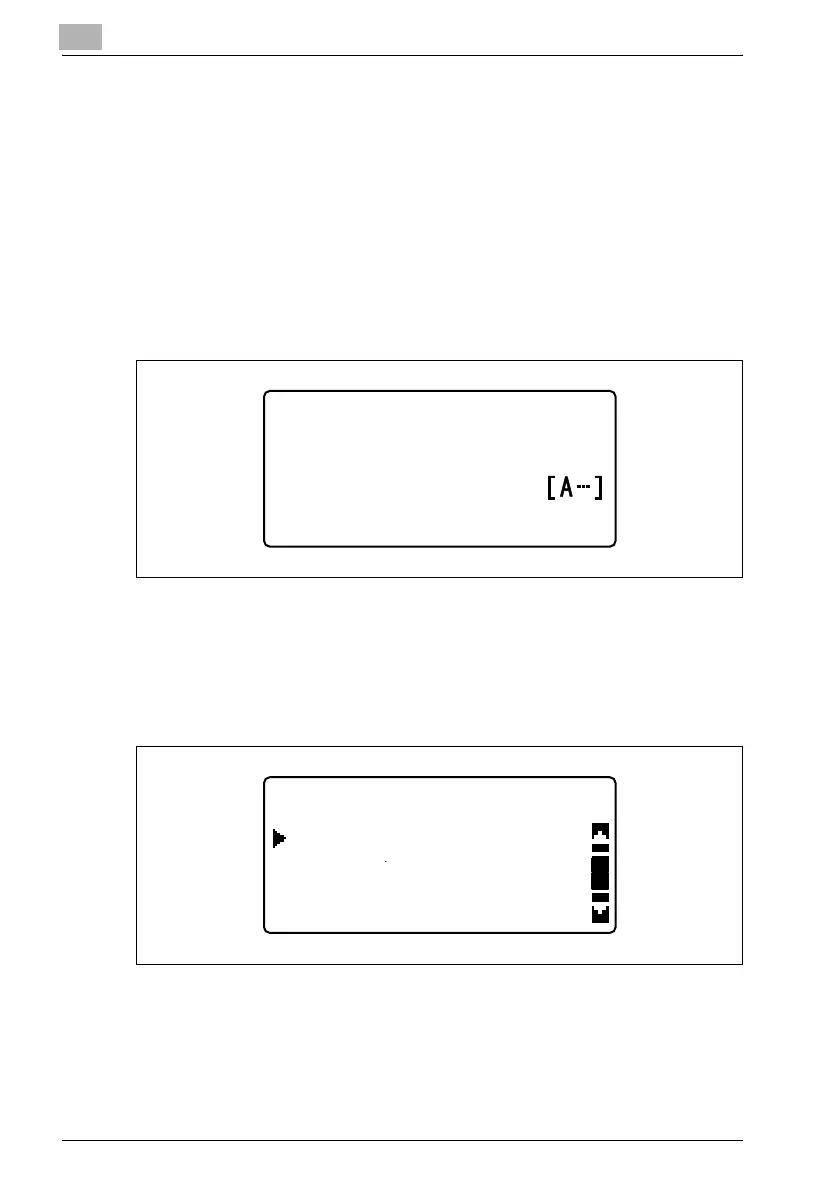
The following screen appears.
– To add a recipient to the group, press the [,] or [+] key until "ADD"
is selected, and then press the [OK] key.
GROUP DIAL 32
:user01
NAME
GROUP DIAL 32
CHECK/EDIT
ADD
RETURN












 To Next Page