Registering destinations
9
IC-206 9-21
6 With the one-touch dial keys and speed dial numbers, specify the
recipient.
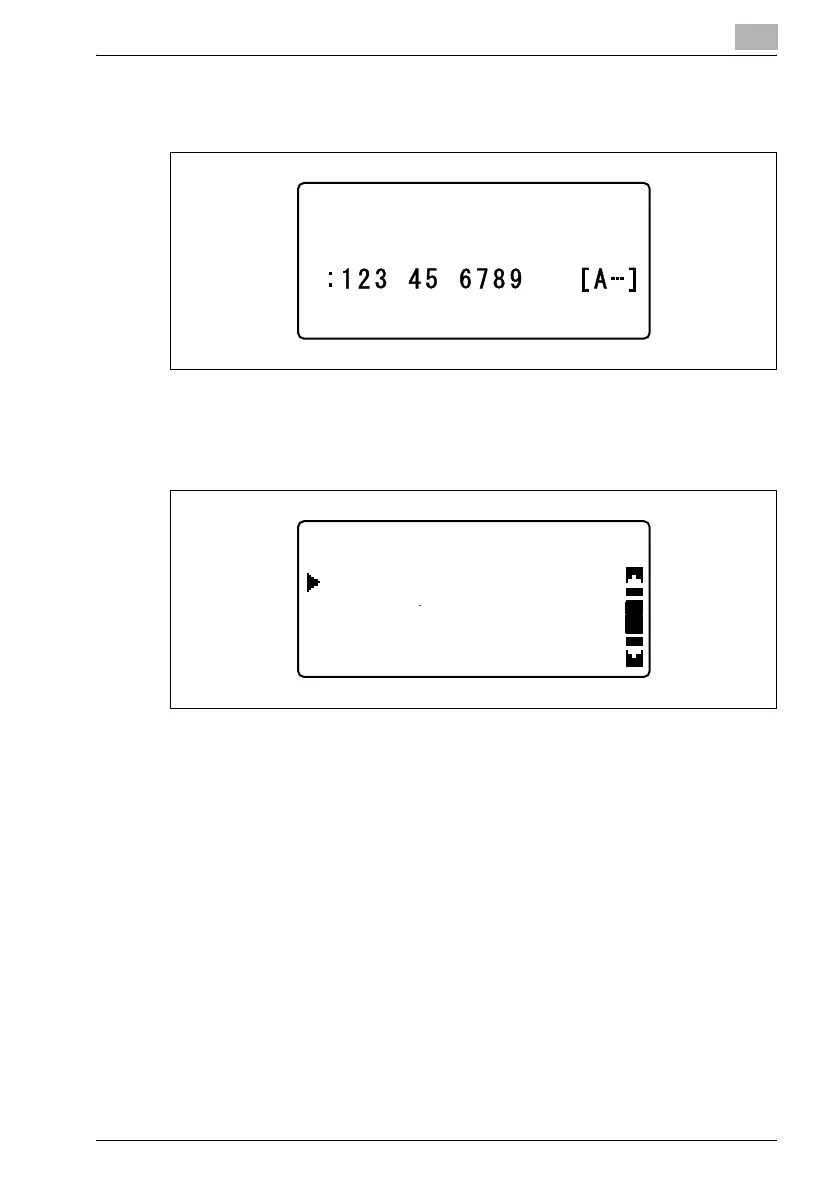
The recipient information appears. Press the [OK] key.
7 To add a recipient to the group, press the [,] or [+] key until "ADD" is
selected, and then press the [OK] key.
8 Use the one-touch dial keys and speed dial numbers to specify the
recipient to be added.
9 Repeat steps 7 and 8 until all recipients to be registered with the group
have been entered.
GROUP DIAL 10
DESTINATION
GROUP DIAL 10
CHECK/EDIT
ADD
RETURN












 To Next Page