Performing a scan to e-mail operation
10
IC-206 10-49
– The remainder of the procedure is the same, regardless of whether
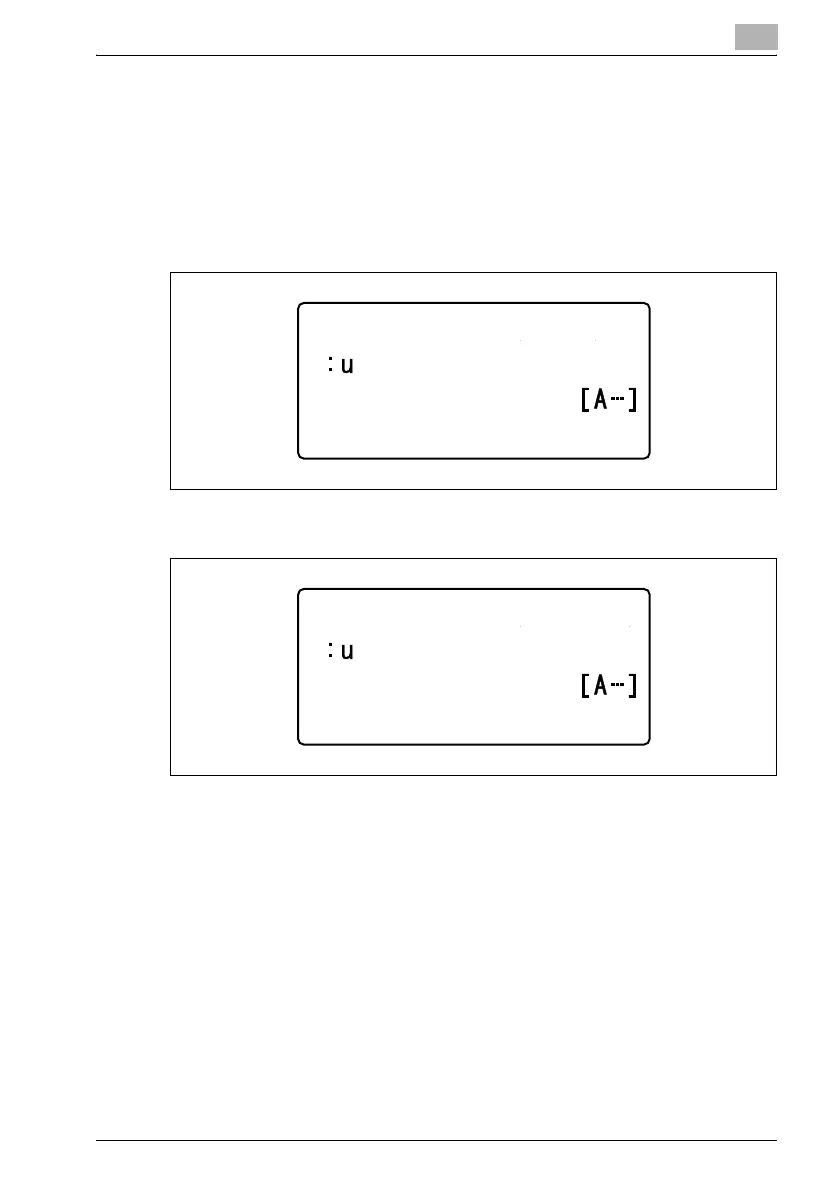
"NAME" or "E-MAIL" is selected. "LDAP SEARCH (NAME)" or
"LDAP SEARCH (E-MAIL)" appears in the corresponding screen.
5 Type in part of the e-mail address or name registered for the desired
destination.
–NAME
–E-MAIL
– A maximum of 10 characters can be entered to be searched for.
– The registration name or e-mail address searched for differs
depending on the search method selected with the "SEARCH
METHOD" parameter in the "LDAP SETTING" menu.
If "BEGIN" was selected, the registration name or e-mail
addressstarting with the entered characters is searched for.
If "CONTAIN" was selected, the registration name or e-mail
address containing the entered characters is searched for.
If "END" was selected, the registration name or e-mail address
ending with the entered characters is searched for.
If the text was incorrectly entered, press the [Clear/Stop] key to
erase it, and then type it in correctly.
LDAP SEARCH(NAME)
LDAP SEARCH (E-MAIL)












 To Next Page