10
Performing a scan to e-mail operation
10-50 IC-206
6 Press the [OK] key.
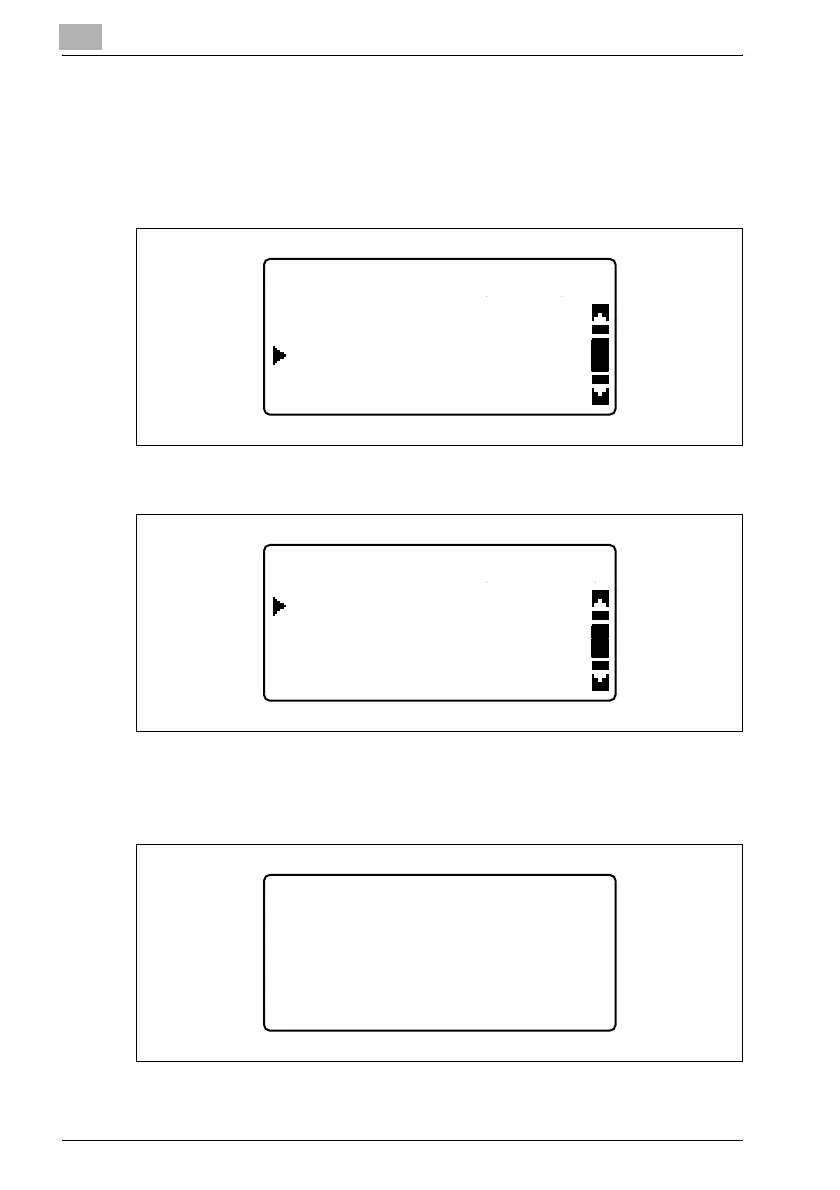
– After the message "SEARCHING" appears, the list of
corresponding registration names or e-mail addresses appears.
Press the [,] or [+] key until the desired recipient is selected.
–NAME
–E-MAIL
– Press the [)] key to display the destination name and e-mail
address. If the wrong destination was selected, press the [Back]
key to return to the previous screen.
LDAP SEARCH(NAME)
user02
user01
user03
LDAP SEARCH (E-MAIL)
user02@test.local
user01@test.local
user03@test.local
LDAP SEARCH
user01@test.local
user01
-PRESS OK KEY-












 To Next Page