Specifying printer driver settings
5
IC-206 5-43
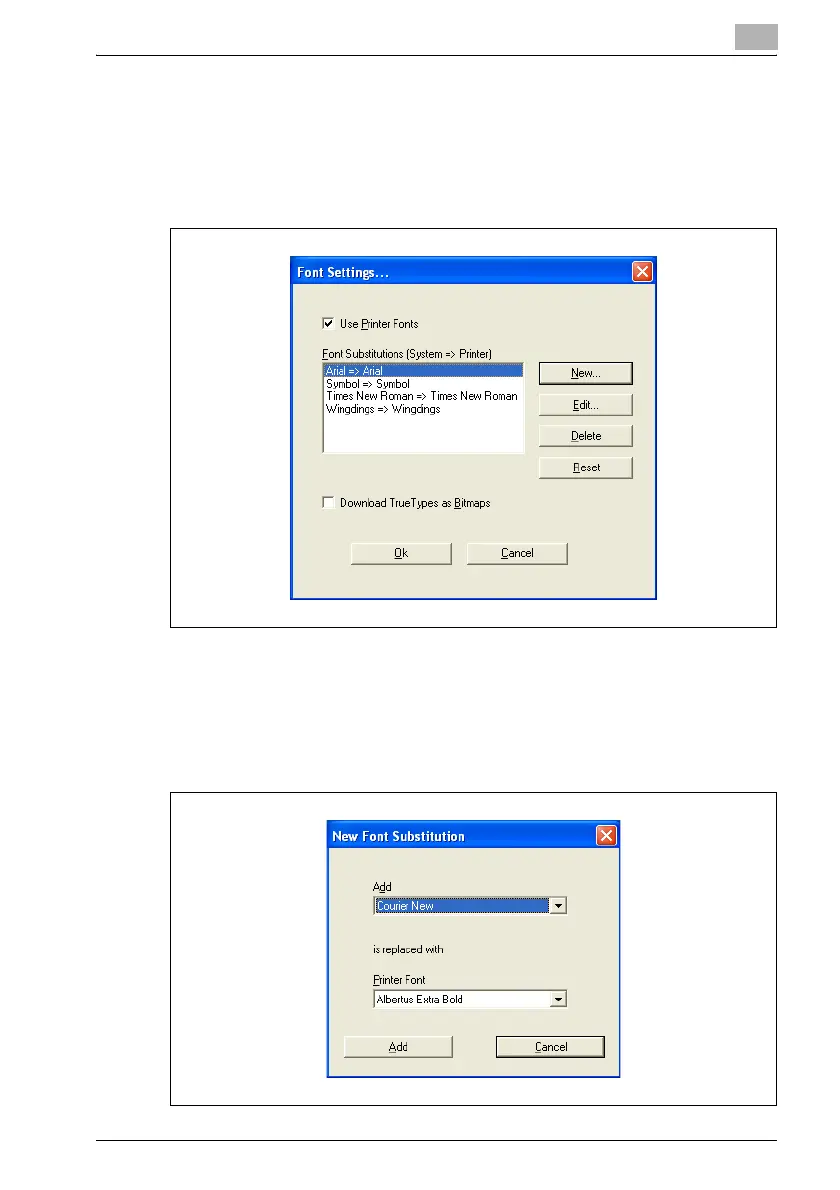
Specifying the Font Substitutions table
1 Click the [New] button.
– To make changes, select the row containing the font to be
changed, and then click the [Edit] button.
2 Select the TrueType font to be replaced at the top, and then select the
printer font to be used at the bottom.
– While making changes, the TrueType font cannot be changed.
– If the TrueType font cannot be replaced, a printer font cannot be
selected.












 To Next Page