10
Performing a scan to e-mail operation
10-16 IC-206
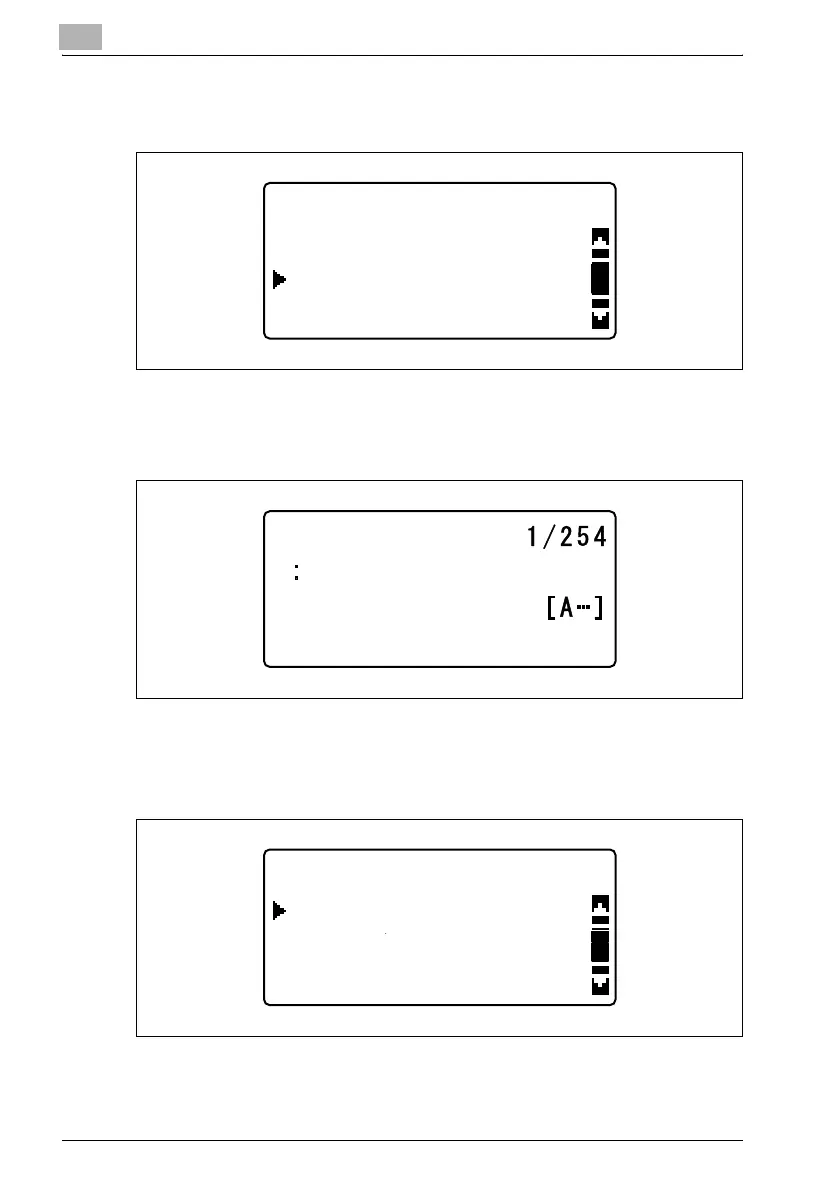
4 In the "SCAN OTHER SETTING" menu, press the [,] or [+] key until
"CC ADDRESS" is selected, and then press the [OK] key.
5 Enter the e-mail address of the recipient that you wish to send a copy
(cc) to, and then press the [OK] key.
A menu containing "ADD" and "CHECK/EDIT" appears.
– To send a copy (cc) to multiple recipients, select "ADD", and then
press the [OK] key. When the screen for entering the cc address
appears, specify the e-mail address of the recipients to be added.
Repeat this step until all of the recipients are specified.
– A maximum of 254 cc addresses can be specified.
SCAN OTHER SETTING
CC ADDRESS
SUBJECT
IMAGE FORMAT
CC ADDRESS
CC ADDRESS
CHECK/EDIT
ADD
RETURN












 To Next Page