Using PageScope Web Connection
12
IC-206 12-11
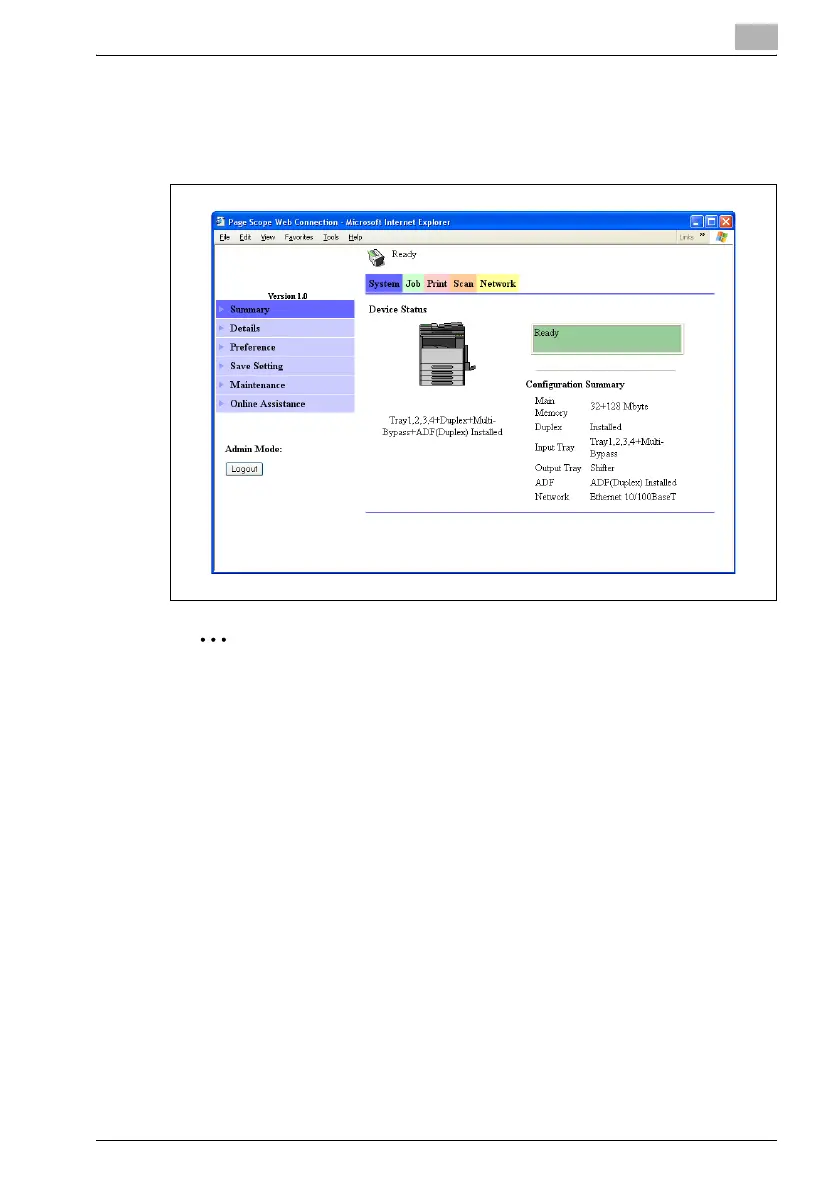
2 Click the [Login] button.
The Administrator mode page appears.
To log off, click the [Logout] button.
2
Reminder
The default password for logging on to Administrator mode is "sysadm".
We recommend that the administrator password be changed.
This machine cannot be used while a user is logged on to Administrator
mode of PageScope Web Connection.
In addition, a user cannot log on to Administrator mode while this
machine is being used.
After logging on with Administrator mode, you will automatically be
logged off if no operation is performed for 10 minutes.












 To Next Page